

If you just started Gothic Remake after Patch 1.0.3, chances are you’re stuck when talking to Melvin during the Swamp Camp recruitment mission. It’s a seriously frustrating bug that kills your progress, but thankfully, there are a couple of solid ways to get around it for PC and console players.
Update (July 10, 2026): The Melvin bug (stuck in dialogue) has been officially addressed in the Version 1.0.3 Hotfix released on July 10, 2026. However, this update has introduced new audio problems for a lot of players.
What You’ll Learn
What’s the Melvin Dialogue Bug (Stuck in Conversation)?
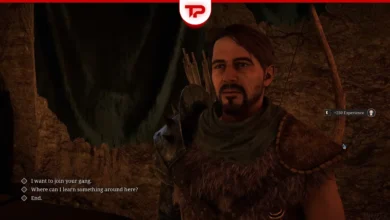
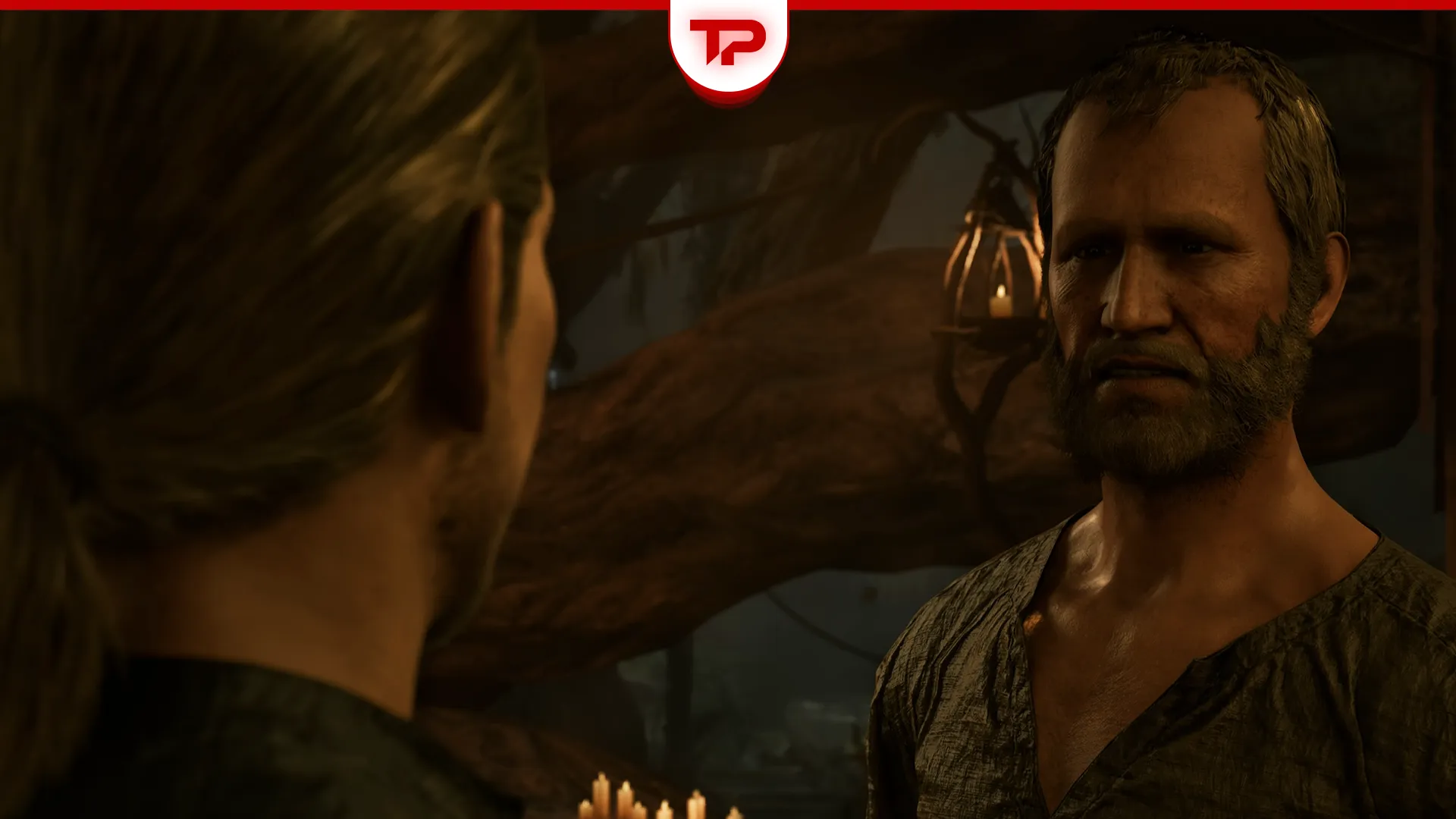
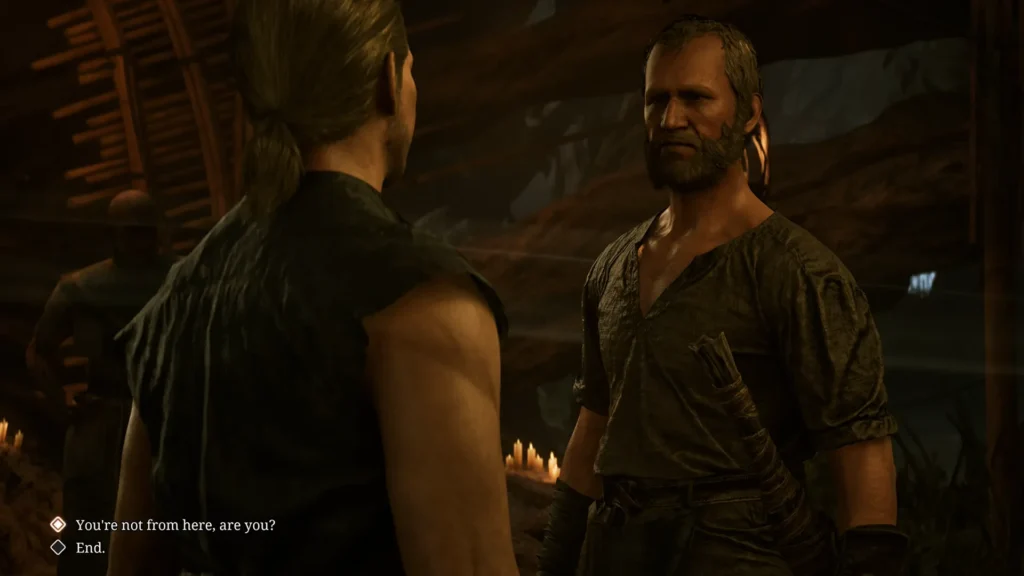
During the Swamp Camp recruitment main mission, you need to talk to Melvin so Dusty from the Old Camp follows you. This happens in the New Souls for the Brotherhood quest. When you do talk to him and after the first couple of lines back and forth, the dialogue options vanish and the game freezes on you.
This breaks the quest to recruit Dusty for Baal Tondral in the Swamp Camp, which is disappointing to be honest. You have to force quit the game. This happens for both console and PC players.
Official Patch 1.0.3 Hotfix
Alkimia Interactive has addressed the core problem in Version 1.0.3 Hotfix. The update fixes dialogue cameras not exiting properly, a bug that most frequently affected Melvin and other characters like Raven and Stone. This resolves the stuck conversation during the New Souls for the Brotherhood quest.
However, that is not all this hotfix has to offer. The latest update also corrects an audio channel leak that could block all sound in the game.
An important note: After updating, please confirm that your game version displays CL 170775 in the Settings menu (bottom-right corner). Report any remaining issues via the official bug reporter.
Audio Issues After the Hotfix
The hotfix successfully addresses the dialogue camera problem with Melvin and other NPCs, which is great, but players have reportedly encountered a new Gothic Remake Sound Bug following the update. You might encounter missing footstep sounds and audio cutting out after a short period of gameplay, which is frustrating, I know. The issue appears widespread across platforms and it’s currently trending in community discussions.
The good news is that developers have been notified through official channels and we can all expect further patches. In the meantime, you may restart the game or revert to a previous build on Steam. I’ve got you covered.
How to Fix the Melvin Bug on PC
Update (July 10, 2026): Now, the most effective solution is to download and install the latest Version 1.0.3 Hotfix through your platform’s automatic update system.
- Right-click Gothic 1 Remake in Steam – Properties – Game Version & Betas.
- Ensure you’re on the main branch to receive the hotfix (CL 170775).
Public Testing Branch: Patch Fix Available
This is the official and currently the most direct way for you all Steam players to access the latest fixes, including dialogue issues with Melvin, Raven, Stone, and several other characters, if you don’t want to roll back to a previous version.
- Right-click Gothic 1 Remake in Steam – Properties – Game Version & Betas.
- Choose publictesting from the menu.
I recommend checking this branch regularly, as more improvements are expected soon.
Steam Rollback
If you prefer to stay on the stable branch for now, this is another proven fix method for PC players when it comes to the Melvin bug in Gothic 1 Remake:
- Save your game before talking to Melvin.
- Right-click Gothic 1 Remake in Steam – Properties – Game Version & Betas.
- Switch to the Previous Release (June 5, 2026) version and wait for it to download.
- Load your save. Now go ahead and talk to Melvin and finish the full dialogue, then save again.
- Exit the game. Switch back to the normal Public version and load your save.
Console Solutions for PS5 and Xbox Series X/S
Update (July 10, 2026): The Version 1.0.3 Hotfix applies to all platforms, including PS5 and Xbox Series X/S. Console players should check for the update and verify the version number as indicated above.
Unfortunately, there’s no such rollback fix for console players if you’re on PS5 or Xbox Series X/S. You may load up your previous saves and try. There’s even the physical disc option, which is impractical to say the least. I would wait for the folks at Alkimia Interactive to release a hotfix, which I’m pretty sure they’ll do sooner rather than later.
Alternative Way: How to Skip Melvin and Join the Swamp Camp
Right off the bat, you should know that Melvin isn’t strictly mandatory for joining the Swamp Camp. You only need approval from 4 out of 5 Baals. You can skip him (which means you skip Baal Tondral’s approval) and instead get the approvals of the following gurus:
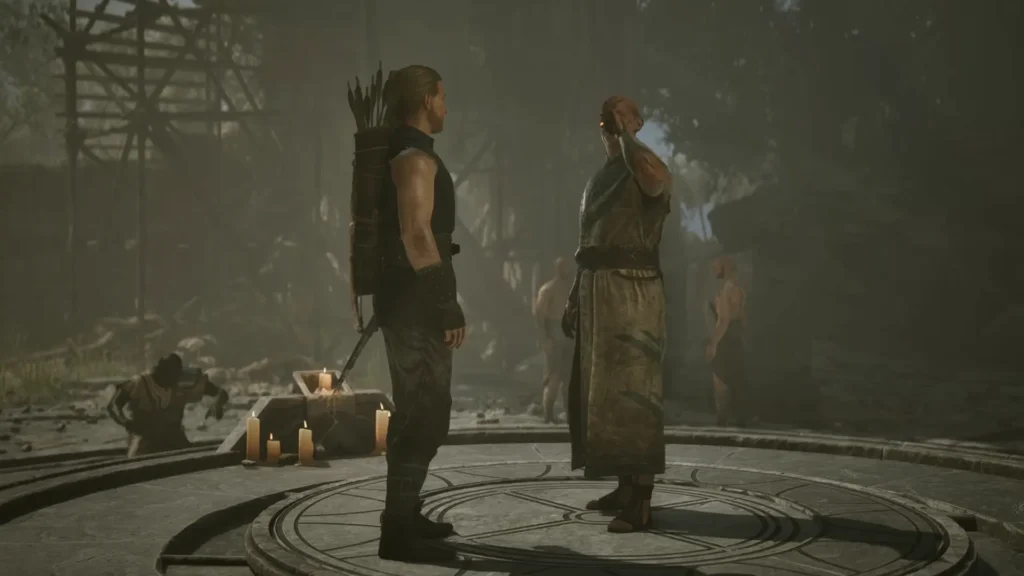
- Baal Namib: Talk to Lester and choose the dialogue option, “How do I get your master to speak to me?”
- Baal Orun: Do the Ghorim’s Replacement side quest and then speak to Baal Orun.
- Baal Cadar: Do the Swampweed Harvest side quest given to you by Baal Orun, to be rewarded with a Sleep Scroll if you don’t have one already. Now cast Sleep on one of Baal Cadar’s students in his presence.
- Baal Tyon: Do the Canvassing Customers side quest in the New Camp to be rewarded with a Dreamcall (Prepared) roll. Go ahead and impress him with it. Let the man enjoy it in peace. Simple as that.
Pro Tip: Save Often to Avoid Game-Breaking Bugs
Remember guys, always save the game before any important conversation. I ran into a similar freeze recently with a different NPC named Jan. I had to force close the game and reload my previous save to get through it. Moral of the story: save often.
Have you run into the Melvin bug? Let us know in the comments what worked for you.