

Save Migration is one of the most useful additions in the Core update, especially if you hate losing a long run after one mistake. Instead of leaving all your save discs behind in earlier sectors, you can bring them forward and use them at a later save station.
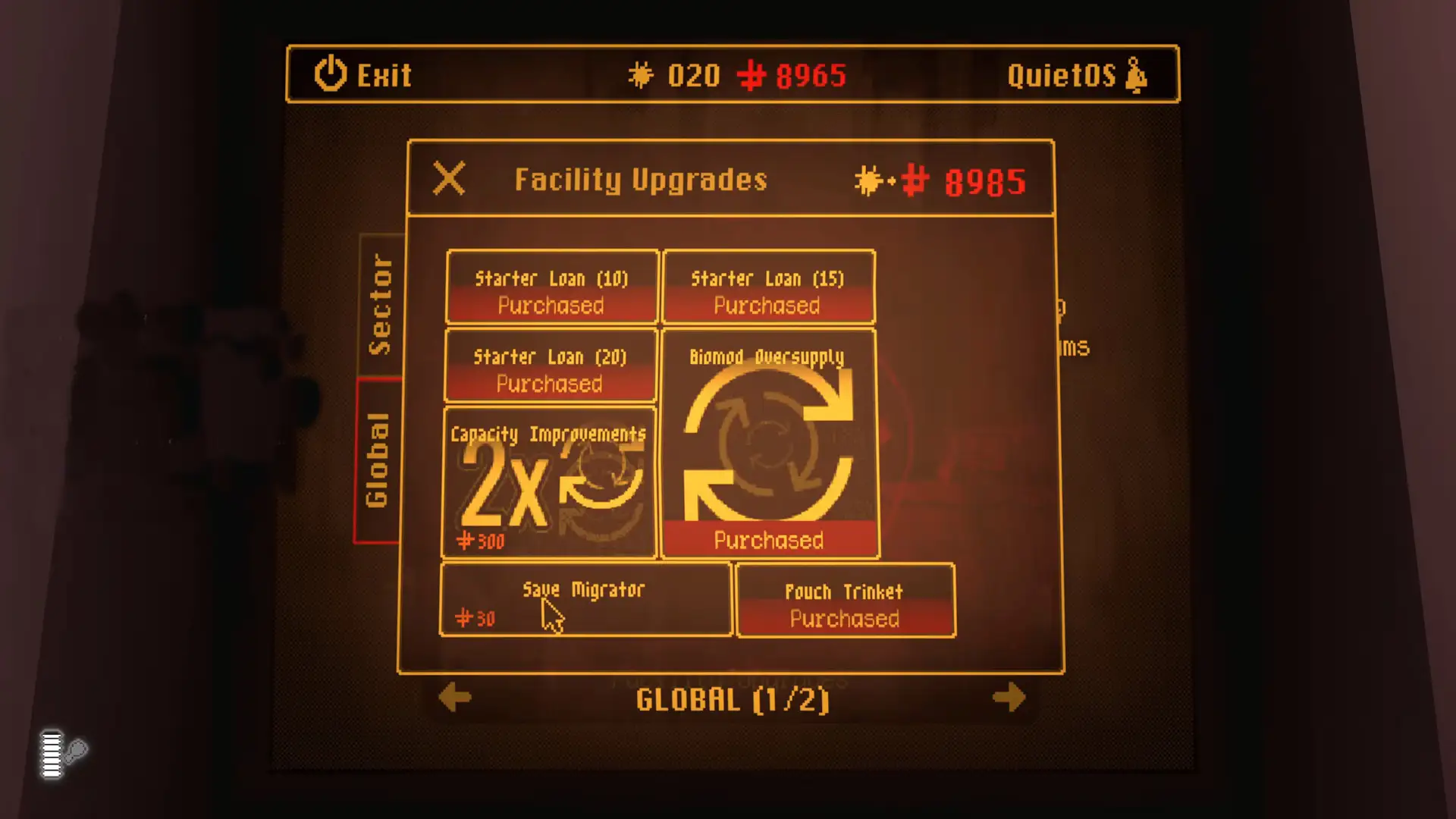
The feature comes from a new Global Upgrade called Save Migrator. It lets you move disc saves from previous sectors into your current one, so your backup points travel with you instead of forcing a long walk back to HAB after a death.
Migration isn’t free. You’ll need Roaches for every save you transfer, so set some money aside before you reach the Core.
You’ll Read:
Save Migration in White Knuckle
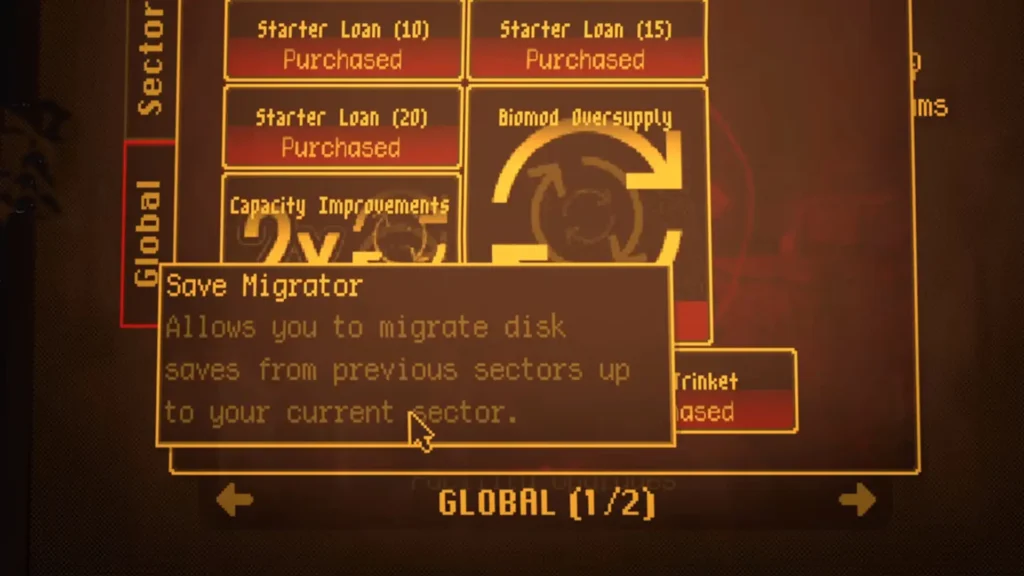
As I mentioned, Save Migration (added in the Core update) lets you transfer save discs from earlier sectors to your current sector.
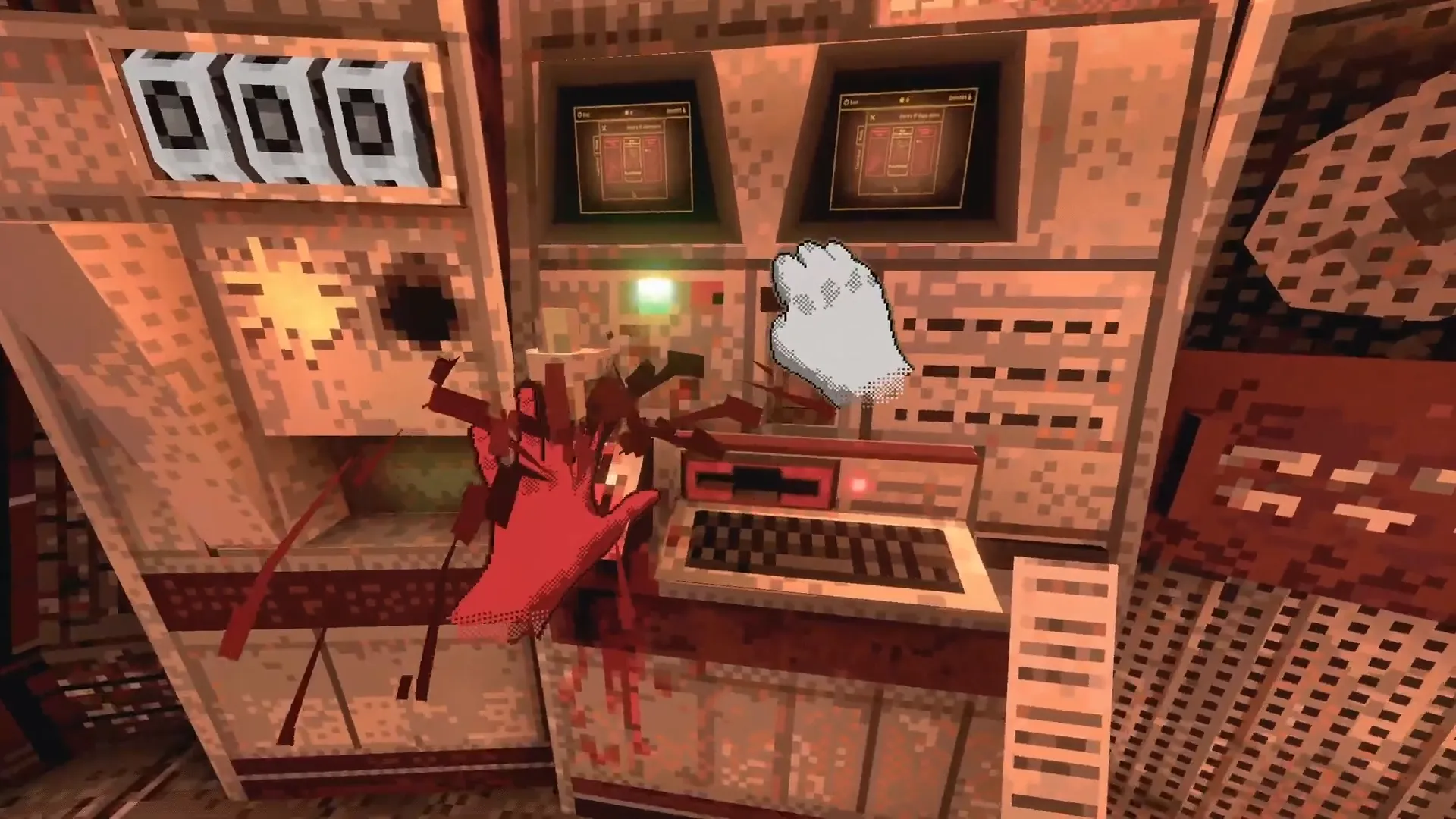
Normally, save discs stay at the perk machines where you created them. On longer runs this becomes a problem: reaching a new sector doesn’t bring those earlier saves with you. Die, and you may have to restart from a much earlier point.
The Save Migrator fixes that by letting you bring the discs forward. You can then use them at the current sector’s save station instead of relying only on the backups you made before.
It’s especially useful before the Core, where difficulty ramps up hard. Extra save points give you more chances to recover without repeating large chunks of the campaign.
How to Unlock the Save Migrator
Buy Save Migrator in the Global Upgrades menu. It becomes available with the Core update.
Unlocking the upgrade and paying for individual migrations are separate. Purchasing Save Migrator gives you the feature; you still need Roaches to actually transfer saves later.
How to Migrate Saves
Once you own Save Migrator:
- Create save discs at earlier perk machines as you progress.
- Continue until you reach a later save station.
- Interact with the station and look for the migration option.
- Check the available saves and the Roach cost.
- Confirm the migration to bring the earlier saves into the current sector.
For example, you can make saves in an earlier sector and migrate them when you hit the Core. That gives you extra recovery points in a region where death costs a lot of progress.
Don’t spend every Roach on perks and rerolls before you reach the migration station. Running out of money defeats the point of owning the upgrade.
How Much Does Save Migration Cost?
The original Core update charged 10 Roaches per save. The November 25 patch cut it to 5 Roaches per save.
Migration is charged per save, so moving several backups costs more than moving one.
| Action | Current cost/reward |
| Migrate one save | 5 Roaches |
| Recycle one save | 4 Roaches |
The same patch raised the recycling reward from 3 to 4 Roaches.
Reserve enough money for the saves you actually want to bring forward before dumping extra Roaches into perk rerolls. Core perks get expensive fast.
Recycle Save Discs Instead
Yes. The migration interface also lets you recycle a save for Roaches instead of transferring it. The current reward is 4 Roaches per save.
This is useful when you have an extra disc you don’t want to bring forward. Just be careful: available footage doesn’t clearly show whether a recycled save can be recovered later. Double-check before confirming.
Can you migrate saves from previous sectors?
Yes. That’s the whole point of Save Migrator.
Can you enter Core without Save Migration?
Yes. The upgrade isn’t required to enter Core. You’ll just lack those earlier backup points at the Core save station, which makes hard runs less forgiving.
Do migrated saves disappear from their original sector?
Not conclusively established. The upgrade description confirms migration works, but it doesn’t say whether the original save remains available afterward.