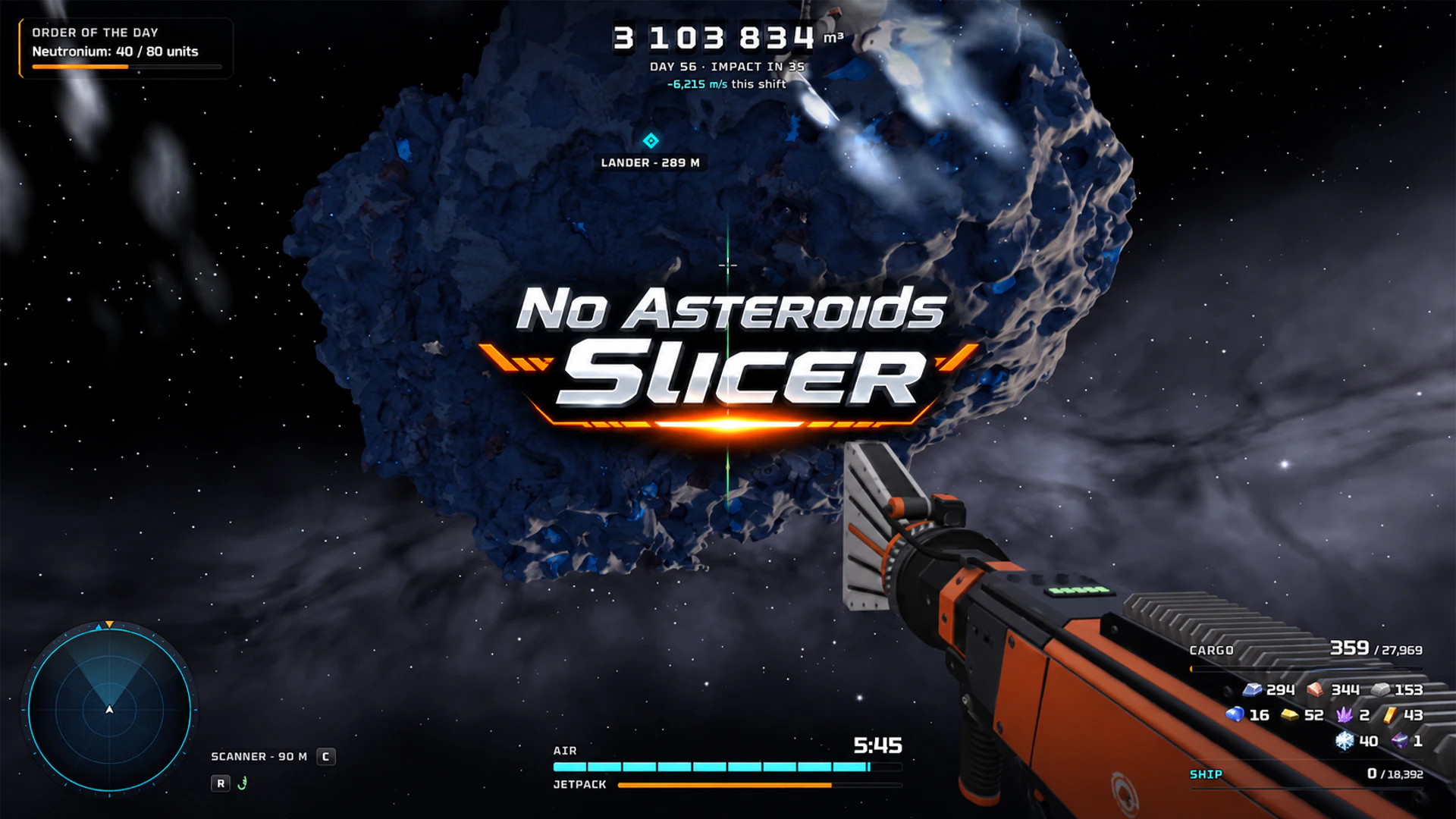


All’s well that slices well. The No Asteroids Slicer is not like the Lance or the Drill. It’s a tool that cuts huge chunks of the asteroid’s surface rocks instead of digging into the asteroid. With the No Asteroids Slicer, you can carve out entire sections and potentially split an asteroid in half!
To get the Slicer, you need more than money. The Slicer becomes available to you either when you reach the strange matter layer of the asteroid’s core or after you get either the Orbital Strike or Collapsar ship weapon. Then you buy the Slicer for 1,200,000 credits. To use it, put it on its horizontal and vertical cutting modes to remove large sections of the asteroid. Don’t forget that its reach (40 meters) means you need to be close to the rocks to be able to fire.
Slice your way to:
How to Unlock the Slicer in No Asteroids
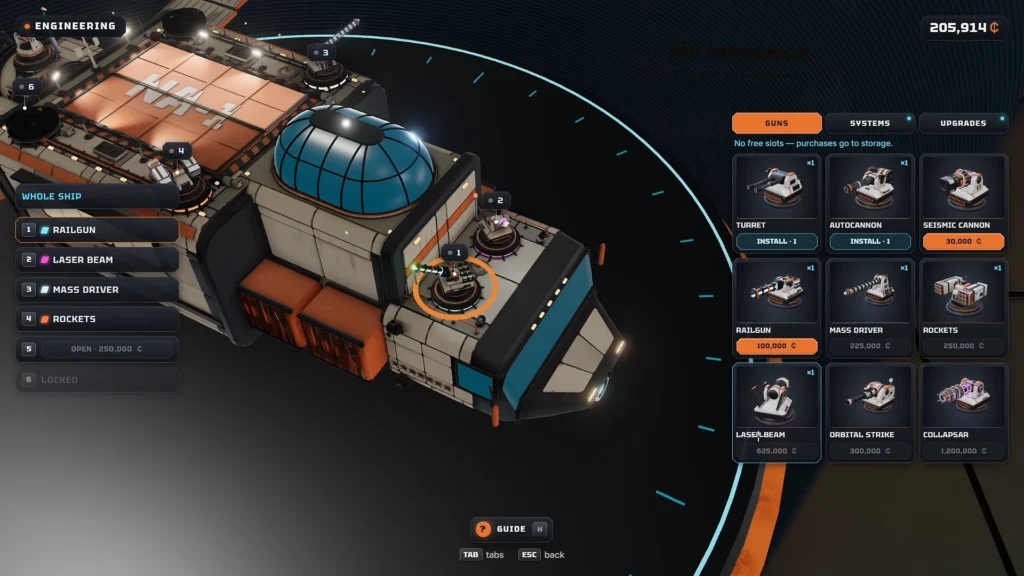
Ah quite easily. There is more than one way. Your first option is to dig so deep that you reach the asteroid core’s Strange Matter. Your other option is to head on over to the Engineering Console on your ship and open the Guns section. You need to purchase one of the following ship weapons to unlock the Slicer:
| Ship Weapon | First Purchase Cost |
|---|---|
| Orbital Strike | 300,000 credits |
| Collapsar | 1,200,000 credits |
How Much Does the Slicer Cost?
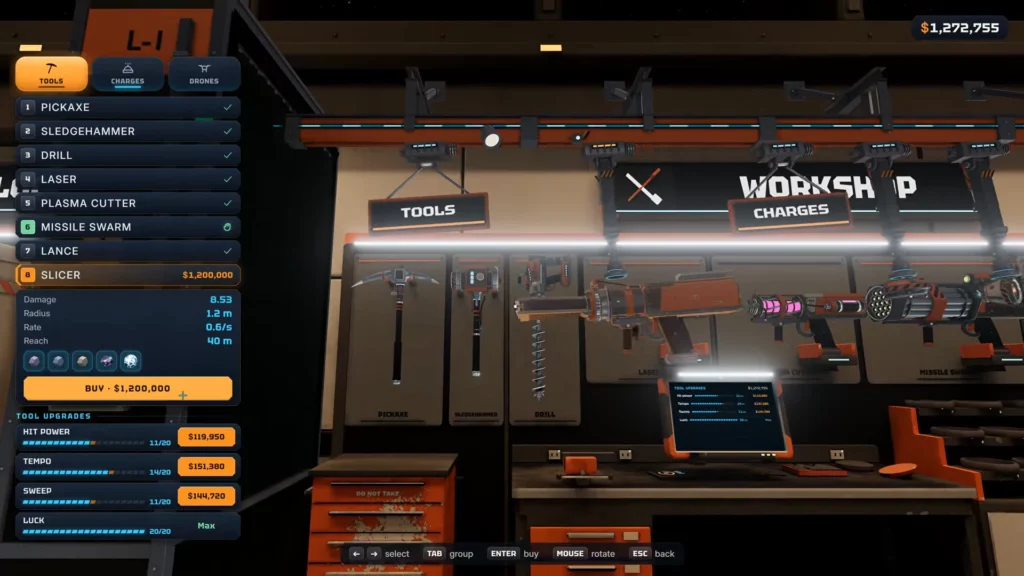
If you’ve already bought the ship weapons required to unlock the No Asteroids Slicer, then you only need 1,200,000 credits to purchase it. If not, the overall cheapest path to getting the Slicer is buying the Orbital Strike and THEN the Slicer, which costs 1,500,000 credits altogether (300,000 from Oribtal Strike + 1,200,000 credits from Slicer). You need to learn the best lucrative ways possible so you won’t be struggling with making money in this game.
Slicer Stats and Upgrades
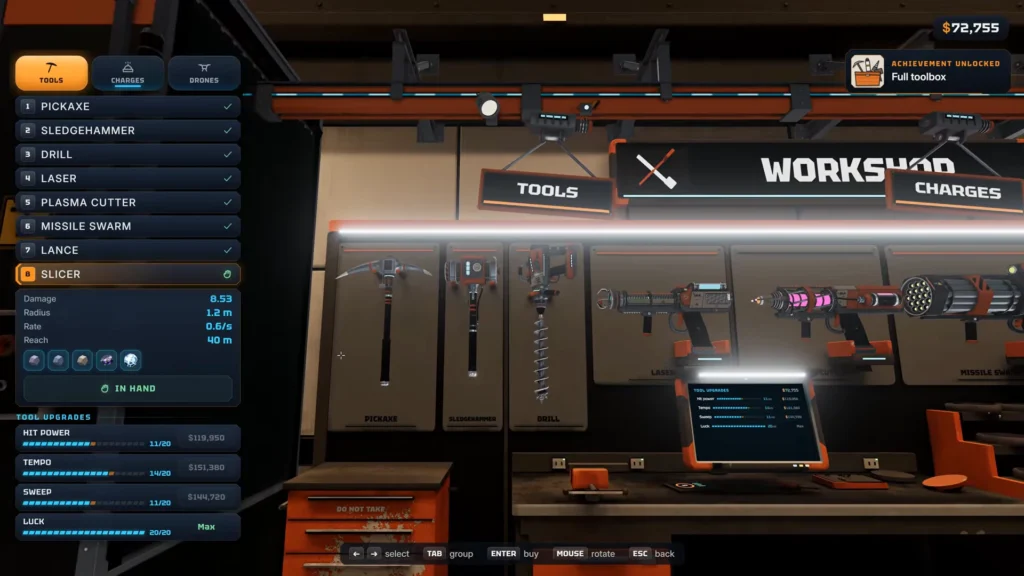
| Stat | Info |
|---|---|
| Base price | 1,200,000 credits |
| Reach | 40 meters |
| Damage | 5 |
| Radius | 1.1 |
| Cutting modes | Horizontal / Vertical |
| Unlock requirement | Strange Matter, Orbital Strike or Collapsar |
| Available upgrades | Hit Power, Tempo, Sweep |
One thing to keep in mind is that the November 25 mining update made it so that the Slicer now cuts three times as often as it did before the patch. Also the Slicer’s upgrade options are Hit Power, Tempo, and Sweep. These aren’t the same as the upgrades you got for your ship weapons; don’t get them mixed up. All three upgrades are permanent Workshop upgrades that affect all tools. Here’s exactly how they affect the Slicer:
| Upgrade | Bonus per level | Maximum bonus | Base Slicer stat | Fully upgraded stat |
|---|---|---|---|---|
| Hit Power | +5% damage | +100% | 5 | 10 |
| Tempo | +2% firing rate | +40% | 1.5/s | 2.1/s |
| Sweep | +1% radius | +20% | 1.1 m | 1.32 m |
How to Use the No Asteroids Slicer
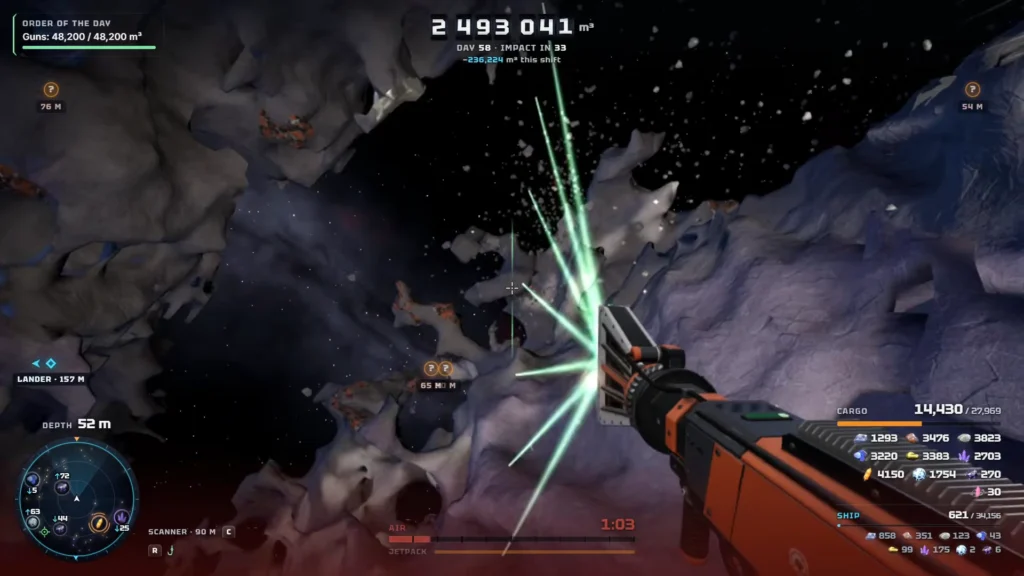
The No Asteroids Slicer’s whole shtick is its insane wide cutting power. Whereas the mining tools cut deeply and directly toward a deposit of metal or rock, the Slicer simply and literally slices broad surface-level sections.
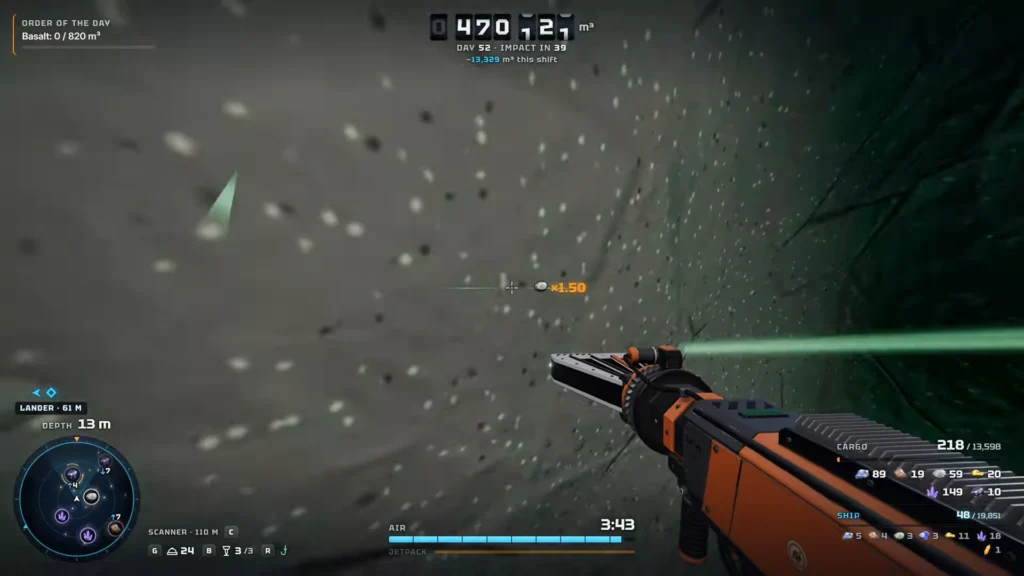
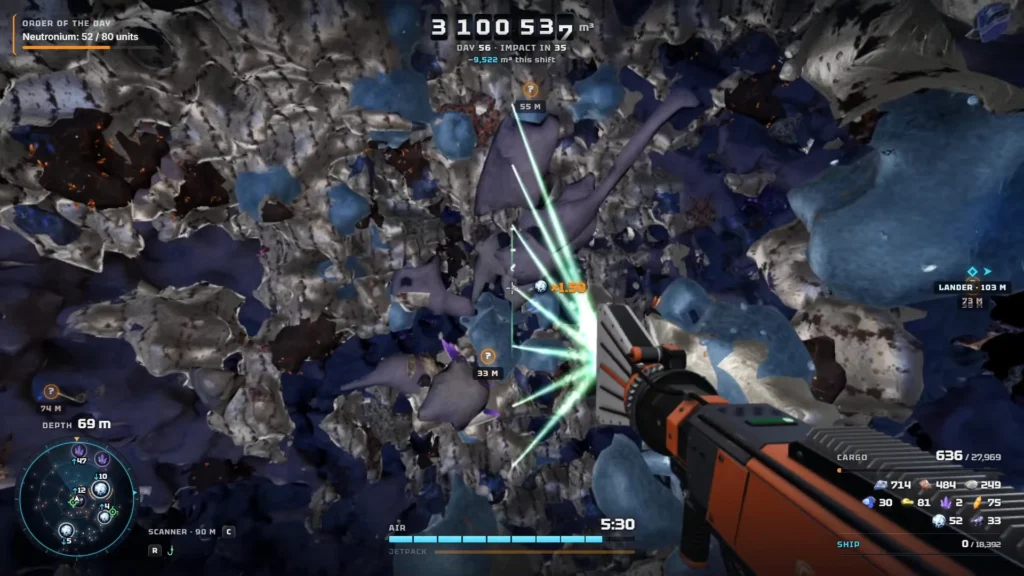
And it does that in two modes: 1. Horizontal (for vast sections of rock or stretching existing openings.) 2. Vertical (just like horizontal, with the only difference being that it’s for cutting through material in a vertical line). The best mode depends on the shape of the rock you want to slice through. You can tell which mode it’s on by the Slicer’s green light that’s projected across the material in front of you. I must once again emphasize that its reach is 40 meters. You can’t simply stand miles away and expect the Slicer to function properly.
How to Cut an Asteroid in Half
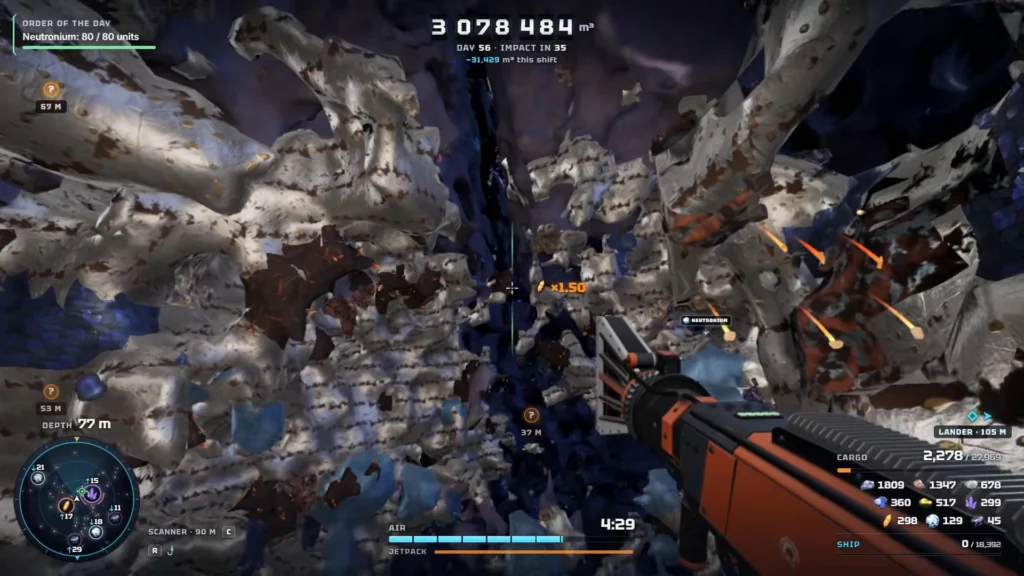
My favorite move in the game so far, hands down. You can chop up the asteroid into two massive chunks. The best way to do it is find the largest and deepest crack on the asteroid first, then use the cutting mode that intersects the most rock with the angle you have. Don’t stick to one mode alone throughout the process though; expand the opening little by little, then change your position and the cutting mode as you deem fit. You want to destroy all the tissue that connects the two sections of the asteroid.
I don’t recommend doing this move early in the game. I pulled it off myself when I reached the end of the contract. So basically at that point I’d already removed much of the outer layers’ material and the remaining parts of the asteroid that were left made it so that the asteroid… had an irregular shape. Honestly, the whole thing is a lot of work, but it’s fun.
Mining Ore Deposits With the Slicer
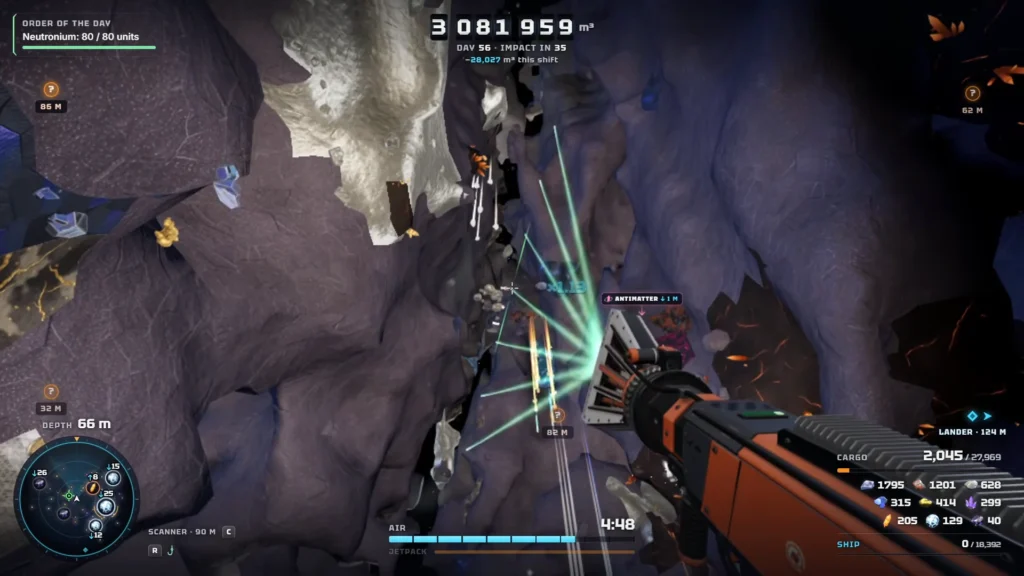
Look, the No Asteroids Slicer isn’t just for your massive excavation projects; it proves itself useful when you use it on exposed ore deposits. The method that I used and recommend is simple: instead of repeatedly targeting small sections of the deposit, line up your shot so that the cutting lasers pass through as much of the vein as possible. You’re gonna want to focus on a wide or deep visible crack on the ore. For those deep ores that aren’t exposed yet, Lance is your man, or uh… your tool.
Slicer vs. Lance: Which Is Better?
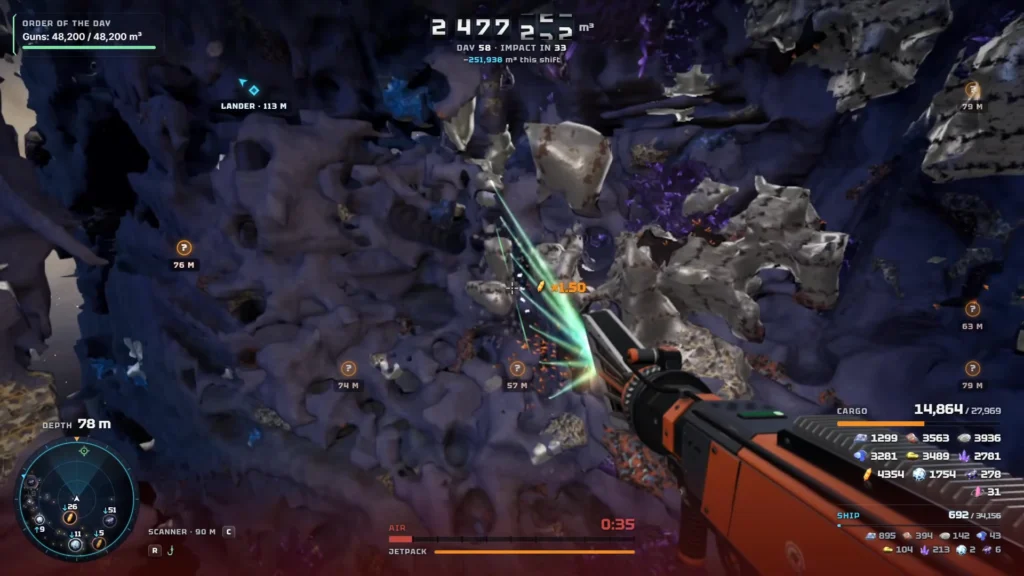
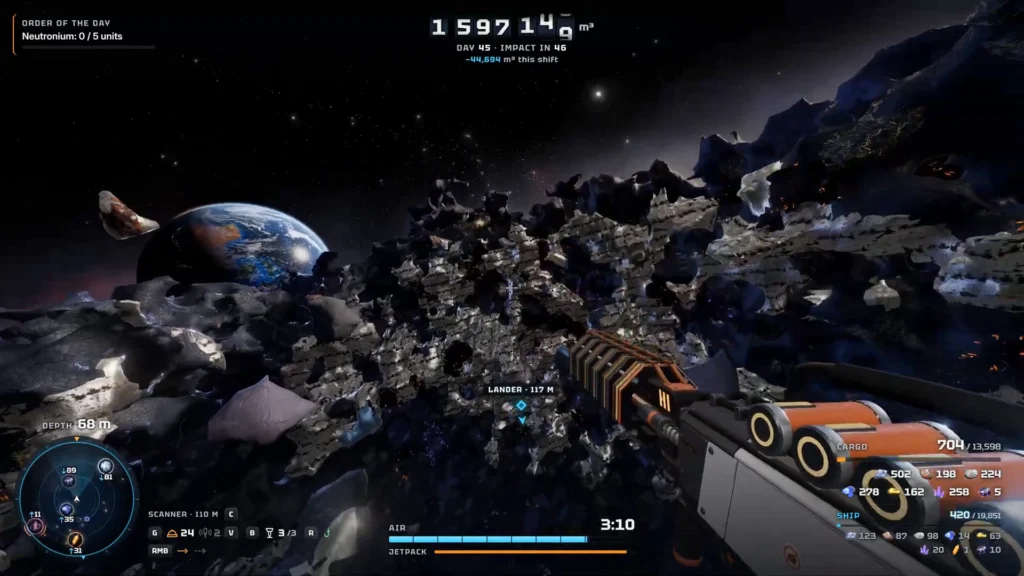
Which one did I use more often? The Lance. Which one made my life easier? The Slicer. They’re both useful for different situations. Take a look at this comparison I made:
| Feature | Slicer | Lance |
|---|---|---|
| Primary purpose | Broad sheet removal | Focused excavation |
| Cutting pattern | Horizontal or vertical plane | Focused or charged attack |
| Straight tunnels | Less specialized | Better suited |
| Widening canyons | Particularly effective | Less specialized |
| Separating large chunks | Particularly effective | Useful for targeted excavation |
| Mining exposed deposits | Broad material removal | Precise targeting |
| Unlock requirement | Orbital Strike or Collapsar | Orbital Strike or Collapsar |
As you can see, the Lance is better for digging down toward a specific spot that you had your eyes on for a while. Its focused mode means more precise excavation. Its charged attack can also remove larger chunks of rocks and other material. The Slicer, on the other hand, is at its best when you already have a large exposed rock. Or you might just want to expand an existing crack. Its two cutting patterns (modes) make it super useful for disconnecting entire sections of the asteroid.
Why Is the Slicer Not Firing?
Probably because you’re too far away from your target. Get closer to the surface you’re aiming for and fire the Slicer again. The other thing that might be getting in the way of your Slicer working is the cutting mode. Change it up if you think it’s not cutting enough chunks or cutting nothing at all.
Is the No Asteroids Slicer Worth Buying?
Not is it recommended by a lot of players I’ve seen in the community, I myself would say it is mandatory if you want to make your life easier and get work done faster. Both the Slicer and the Lance are necessary for a good No Asteroids run.
What Day Do You Unlock the Slicer in No Asteroids?
There’s no specific day you should be looking for to unlock the Slicer; it’s not part of the requirements. I personally unlocked it on Day 52, but it all depends on how fast you progress through the game.
Can You Sell and Repurchase the Slicer?
Yes, but only after the November 25 upgrade. The developer changed the Lance and Slicer so that selling these personal mining tools no longer locks them again.