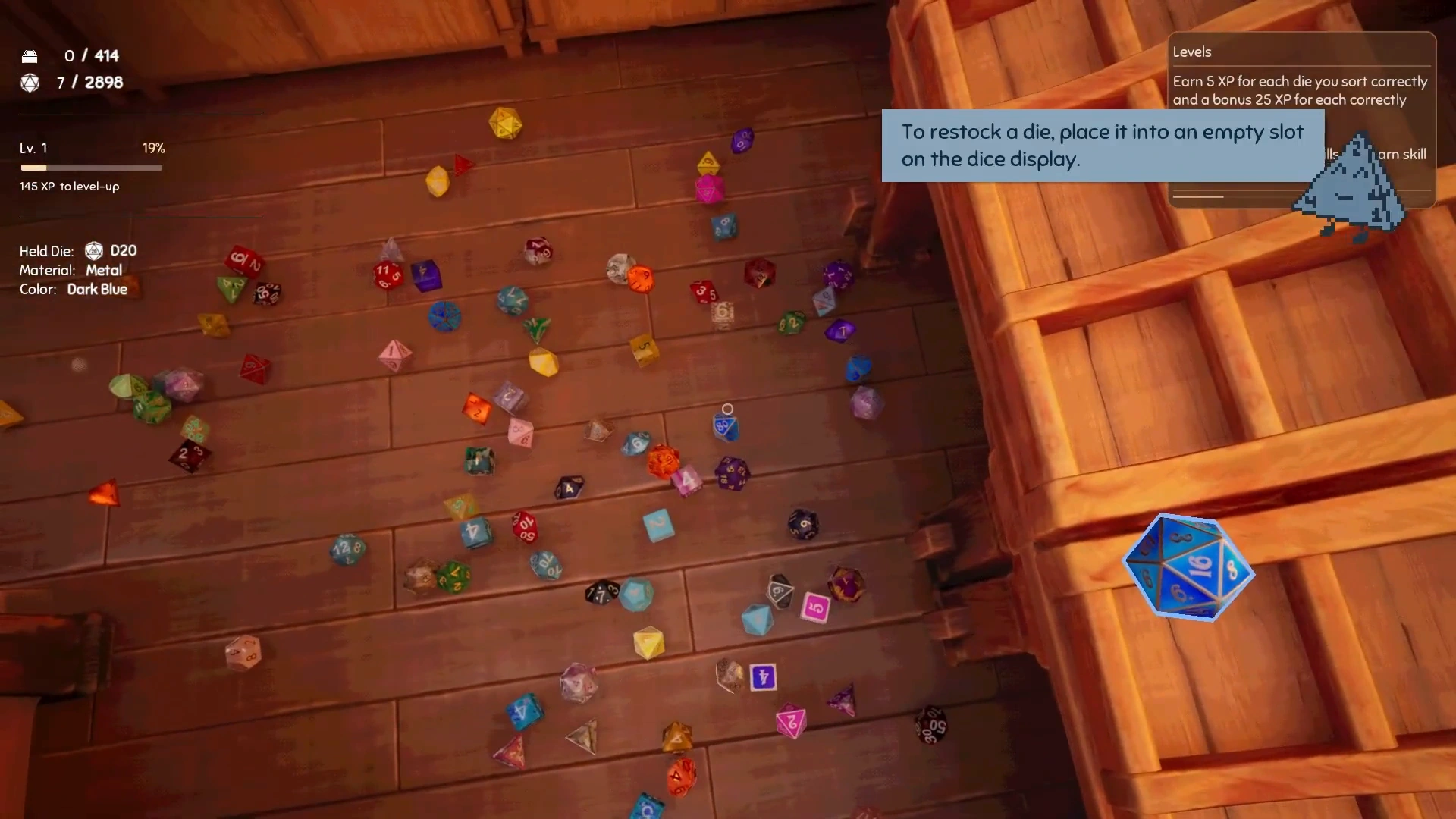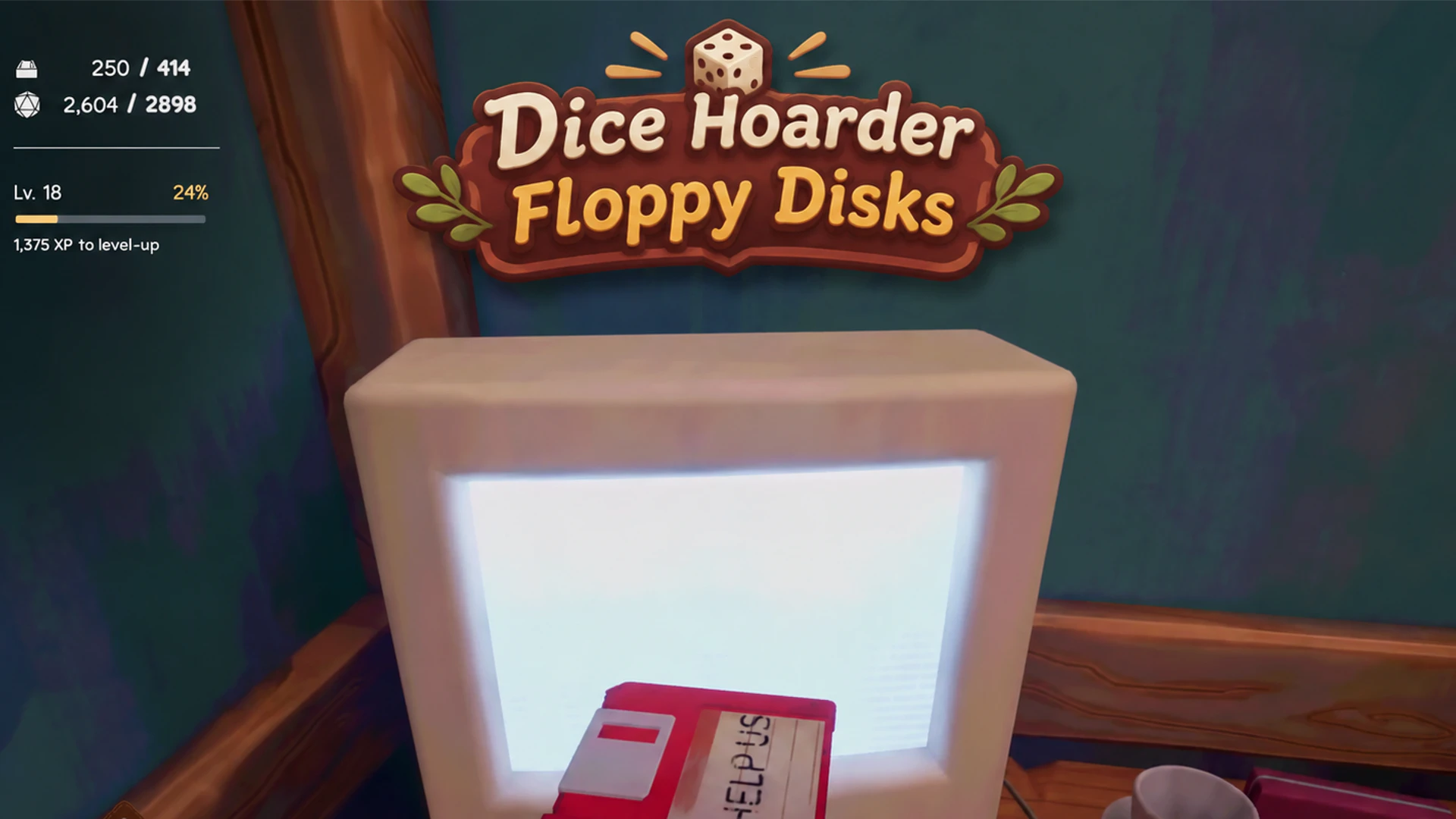


Dice Hoarder Floppy Disks can be found around the shop as you progress through Story Mode, and you install them using the computer in the back room. There are 8 skill Floppy Disks. Check the boxes, shelves and floor corners, specifically after starting a new day to see if you can spot one that day. Pick up the disk and install it at the backroom PC to unlock new abilities. You can then upgrade your Floppy Disk skills using skill points. There are also 3 red (Lore) Floppy Disks which contain secret files about DieCorp and its “missing” employees.
If you’ve searched the entire shop and couldn’t find a disk, you might be dealing with an item invisibility bug that was fixed in the November 14 hotfix, so make sure your game is updated.
Roll for initiative:
All 8 Dice Hoarder Floppy Disk Locations and Skills
As I said, these floppy disks spawn around the dice shop as you progress through Story Mode. The tutorial tells us that new disks are delivered to us each morning, so what we’re supposed to do is quite simple: check our shop each time we advance to the next day. You move to the next day every time you stock the required value of dice.
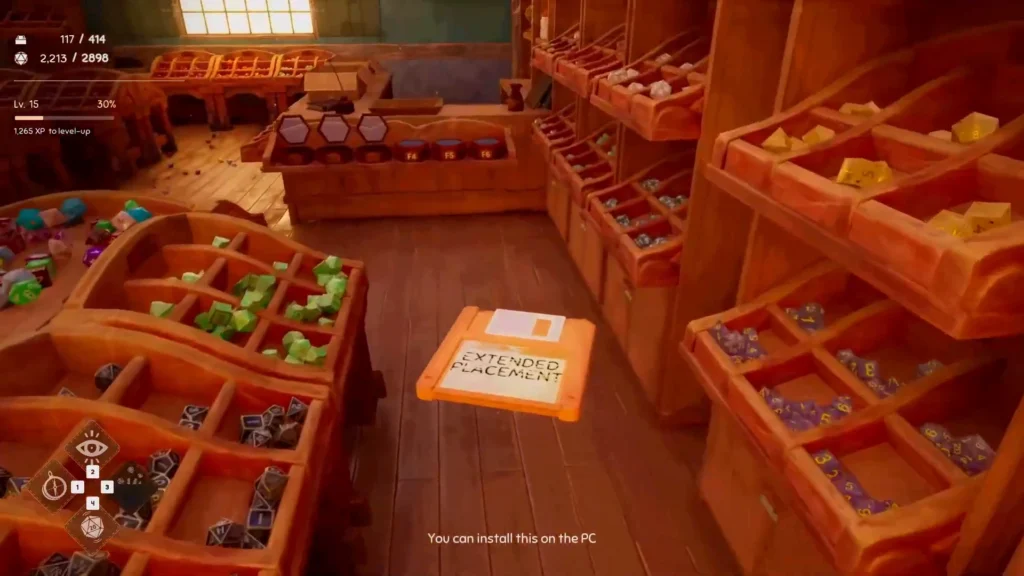
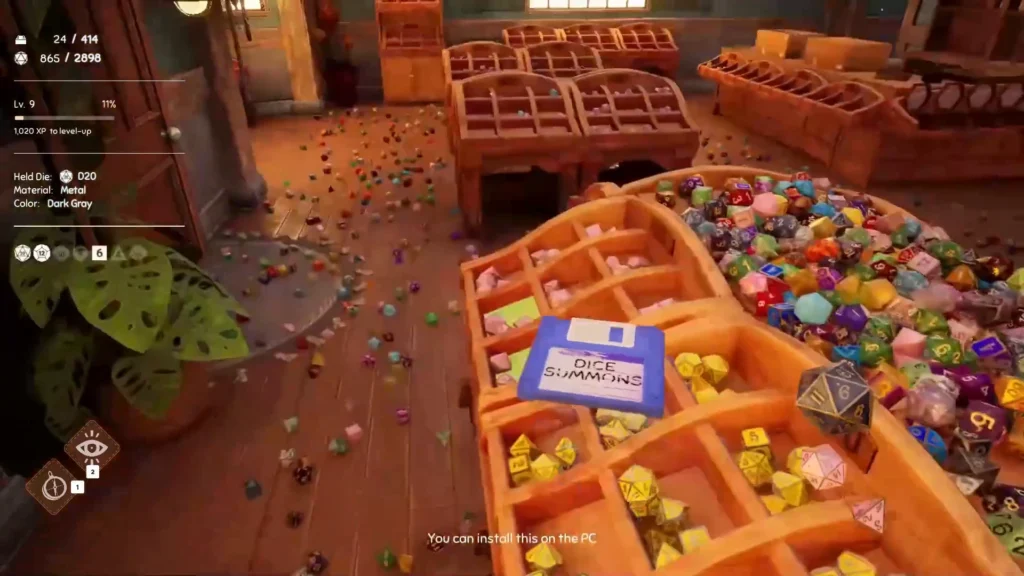
The floppy disks can’t be found on a fixed point, but they can be found on specific days. You find them inside boxes, on display shelves, or lying on the floor. Some are easy to overlook because they’re tucked between loose dice or hidden near the base of a display. Also, some are only there for the story and lore, those are the red Floppy Disks which I cover separately further below. Here are all the places and days I found my skill floppy disks and what they each did:
| Floppy Disk | Day | Color | Location | Skill |
|---|---|---|---|---|
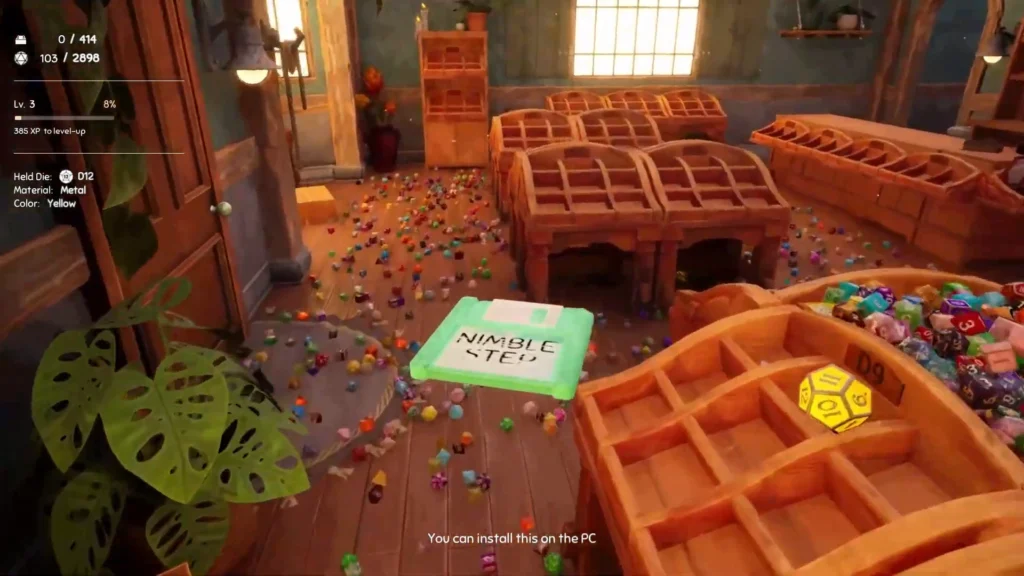
| Nimble Step | Day 1 | Green | Inside or beside a dice box in a lower wooden display compartment, near a window and lamp. | Unlocks the ability to crouch. |
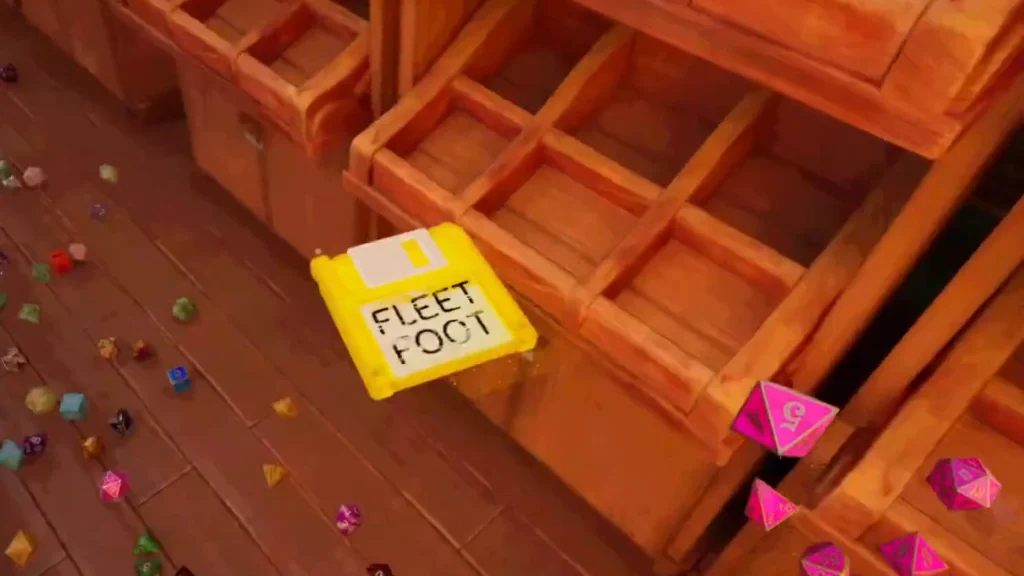
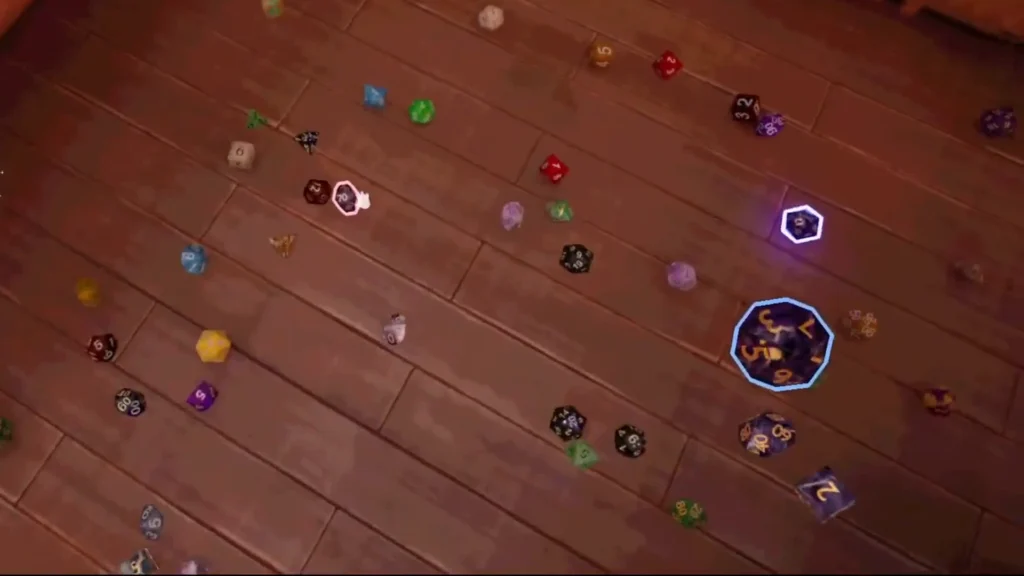
| Fleet Foot | Day 1 | Yellow | On the shop floor or around the display shelves. | Lets you sprint to move around the shop faster. |
| Guidance | Day 2 | Purple | Around the upper display bins or shop shelves. | Reveals the correct display tray for the die you’re holding. |
| Extended Reach | Day 2-3 | Pink | On the floor near the shop’s display cabinets. | Increases the distance from which you can pick up dice. |
| True Sight | Day 3 | Light blue | On the floor beside a display cabinet. | Highlights nearby dice needed to complete your current set. |
| Dice Summons | Day 4 | Blue | On the floor beside the large dark-red flowerpot with the orange flower, directly in front of the small wooden wall cabinet near the PC-room doorway. | Summons two missing dice from the held die’s set directly into your hand. |
| Critical Sort | Day 5 | Bright Pink | On the floor immediately to the right of that large red flowerpot, at the base of the wall cabinet. | Rolls a D20 for a chance to automatically restock the remaining dice in its set. |
| Extended Placement | Day 6 | Orange | On the floor underneath the corner where two sides of a freestanding central display meet. | Lets you place dice into display slots from farther away. |
How to Install Floppy Disks
When you pick up a floppy disk, you’re supposed to take it to the computer in the back office or “bedroom” area. Floppy disks are carried in your hand, since they’re not dice and don’t go into the eight slots in your dice inventory wheel. Approach the computer with the disk in your hand. Now you should see an installation prompt. When you do, press E to install it. Now sit down and watch that installation progress window with the cute digital dice assistant.
If it’s a skill floppy disk, the game displays a New Skill notification and adds the ability to the Skills menu. You don’t have to spend a Skill Point to activate the skill unlock itself. Skill Points are for later upgrades. If it’s a red (lore) floppy disk, instead of skills, documents or audio files will be added to the computer instead.
How to Upgrade Dice Hoarder Floppy Disk Skills
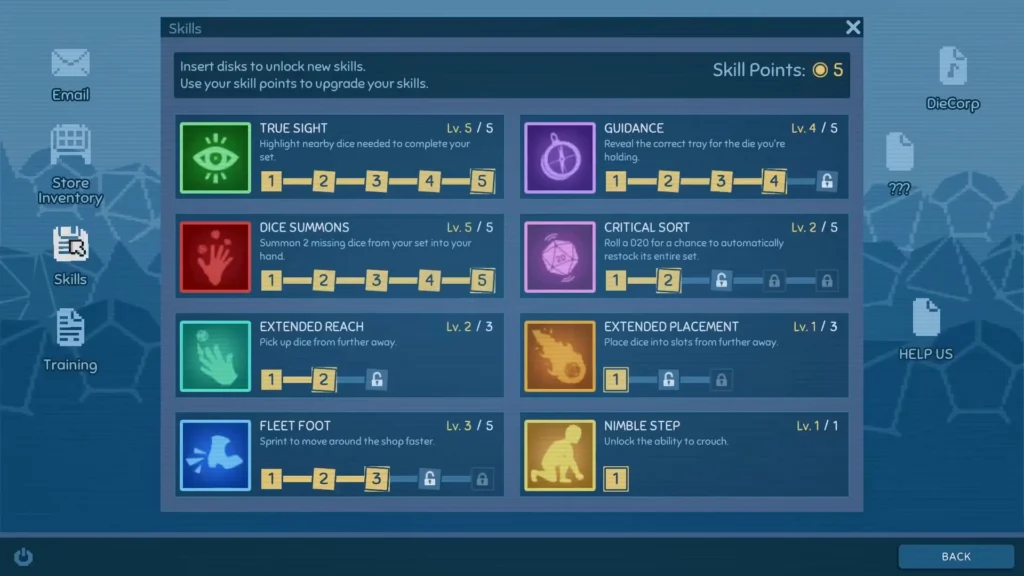
Dice Hoarder Floppy Disks unlock skills, but you need skill points to upgrade those skills. To get Skill Points for those skills, you must sort dice. Each correctly sorted die earns you 5 XP and each completed seven-piece set grants you an extra 25 XP bonus. As you gain more XP, you unlock more skill points.
Different skills have different upgrade caps. Nimble Step starts at 1 and stays at 1. Extended Reach can be upgraded up to the max level of 3. True Sight, for example, can go up to level 5, and Guidance is the same as True Sight.
Dice Hoarder Floppy Disks Not Appearing
There used to be a bug in the game before the November 14 patch. This bug made it so that floppy disks became invisible and you had to reload the game to fix the glitch. I’d also check the shop again after your next morning delivery. Don’t delete your save or restart the entire story just because a disk isn’t visible.
Dice Hoarder Red Floppy Disks
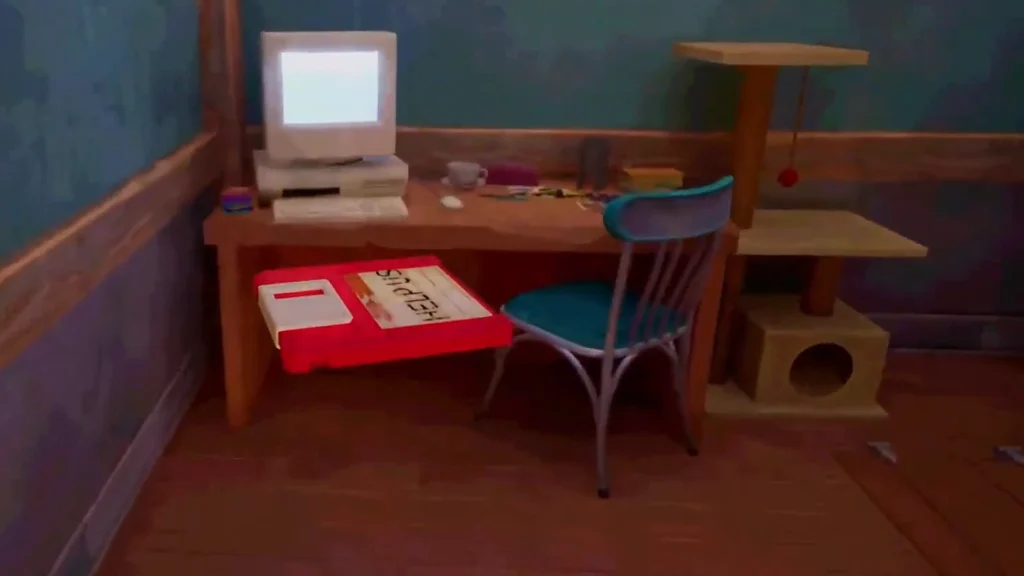
These red floppy disks are actually optional and only reveal the game’s lore to you. They don’t add any skills. If you care enough to learn about the Dice Hoarder lore, find these disks so you can learn about the secret files regarding DieCorp and the people who previously worked in the shop.
| Red Floppy Disk | Day | Location | What It Contains |
|---|---|---|---|
| DieCorp | Day 3 | On the floor underneath a freestanding wooden dice display, between its legs, just below the lower shelf. | A corporate commercial or audio file advertising DieCorp dice. |
| ??? (Employee List) | Day 5 | On the floor in front of the wall cabinet beside the large dark-red flowerpot, near the doorway to the PC room. | An internal employee record with statuses including Unknown, Turned and Missing. |
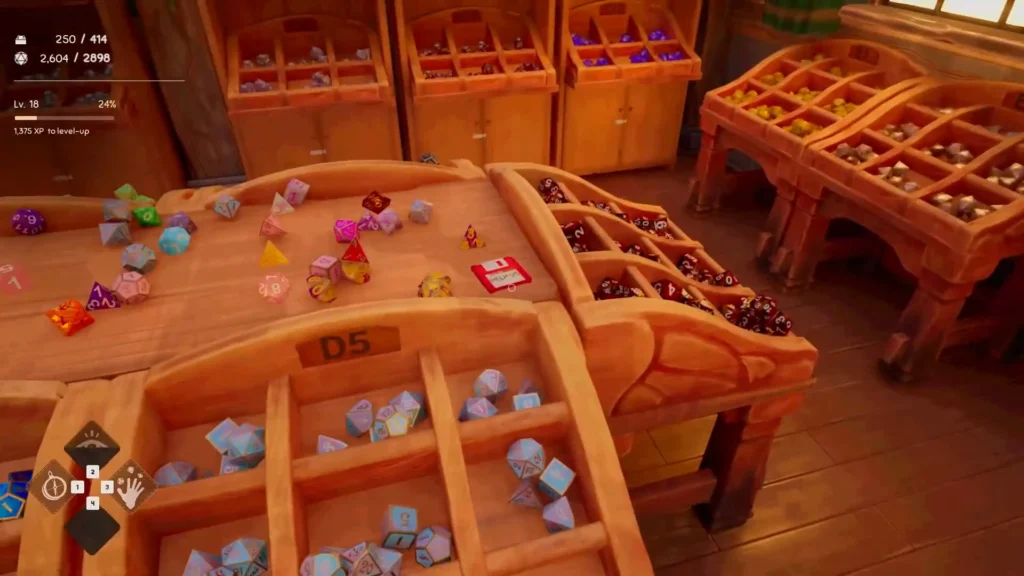
| HELP US | Day 6 | On the flat tabletop of the central dice display, directly above the bins labeled D5, near the right-hand edge (not on the floor). | A letter from the family of a missing employee, asking for help with DieCorp’s basement security system. |
What Does the Red HELP US Floppy Disk Reveal?
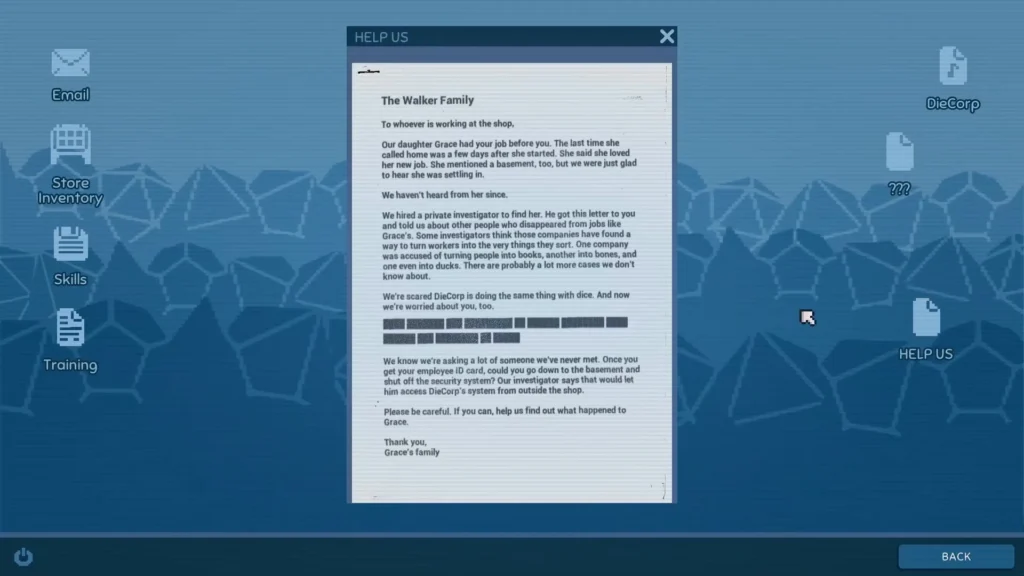
The HELP US floppy disk (plus the other red disks) describe how a concerned family hired a private investigator hired by Grace‘s family, that’s the person that worked before you in this place. Grace went missing shortly after she started working at DieCorp.
Her family became worried when she stopped contacting them. Before she disappeared, she’d mentioned a Basement at the shop, which becomes important later in the story. During the second night’s investigation, the private investigator contacts you through the PC. He explains that he’s trying to trace the mysterious disk deliveries and plans to send a red disk as a test.
His investigation eventually uncovers employee records and reports about companies that may be transforming their workers into the products they handle. He suspects DieCorp is turning the employees into dice. The HELP US document asks you to obtain your Employee ID Card, enter the basement and shut down its security system. That would allow the investigator to access the system from outside the shop. This is all related to Dice Hoarder’s Ending.
Can You Install Floppy Disks for No Magic, No Problem?
Since installing a floppy disk doesn’t count as activating a spell, you can easily install the disks and still get the No Magic, No Problem achievement, which requires you to finish sorting everything without using spell skills. BUT that also means you shouldn’t use the spell skills you get from the floppy disks. Avoid using the numbered spell abilities such as Guidance, True Sight and other active magical skills.