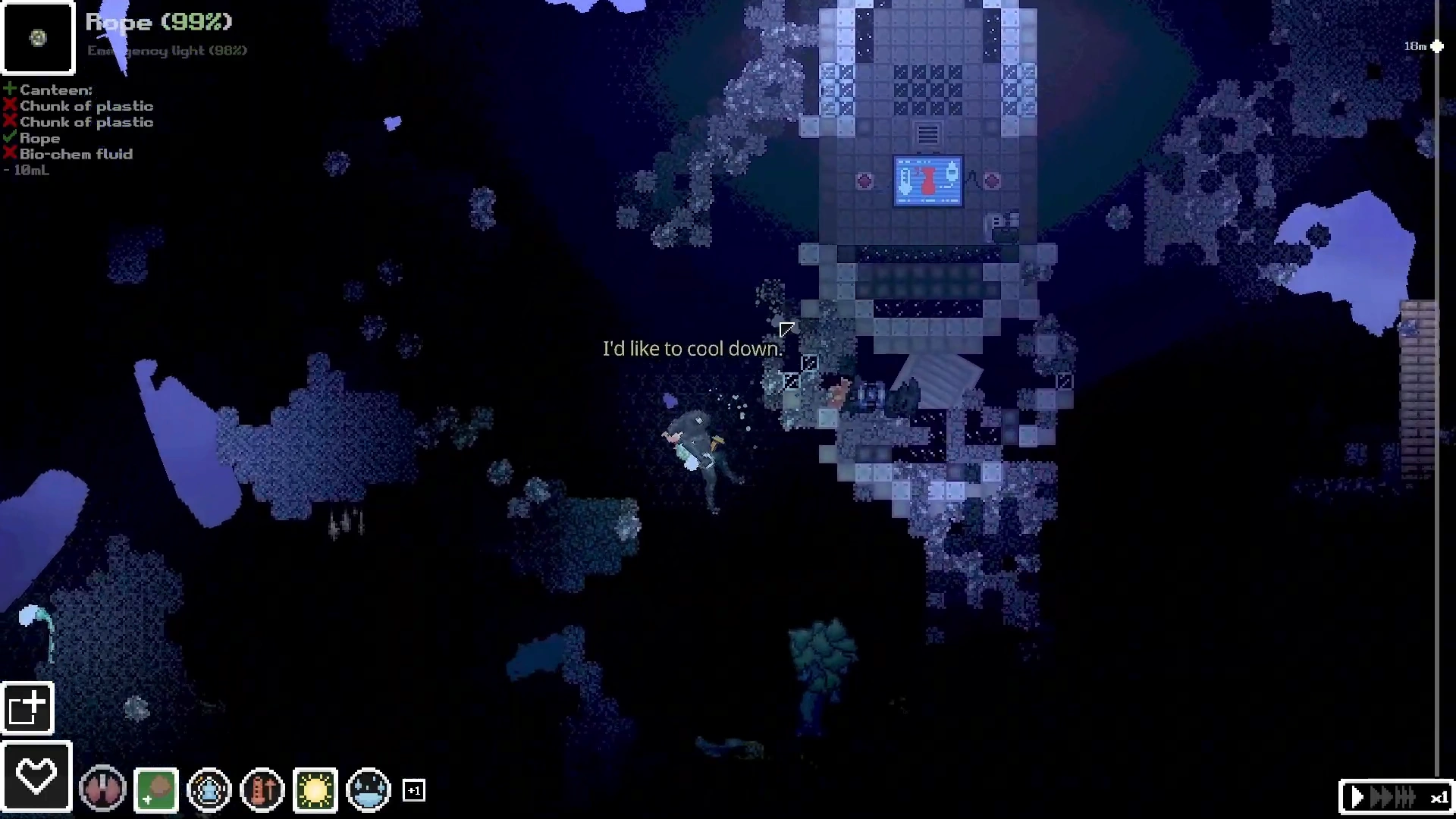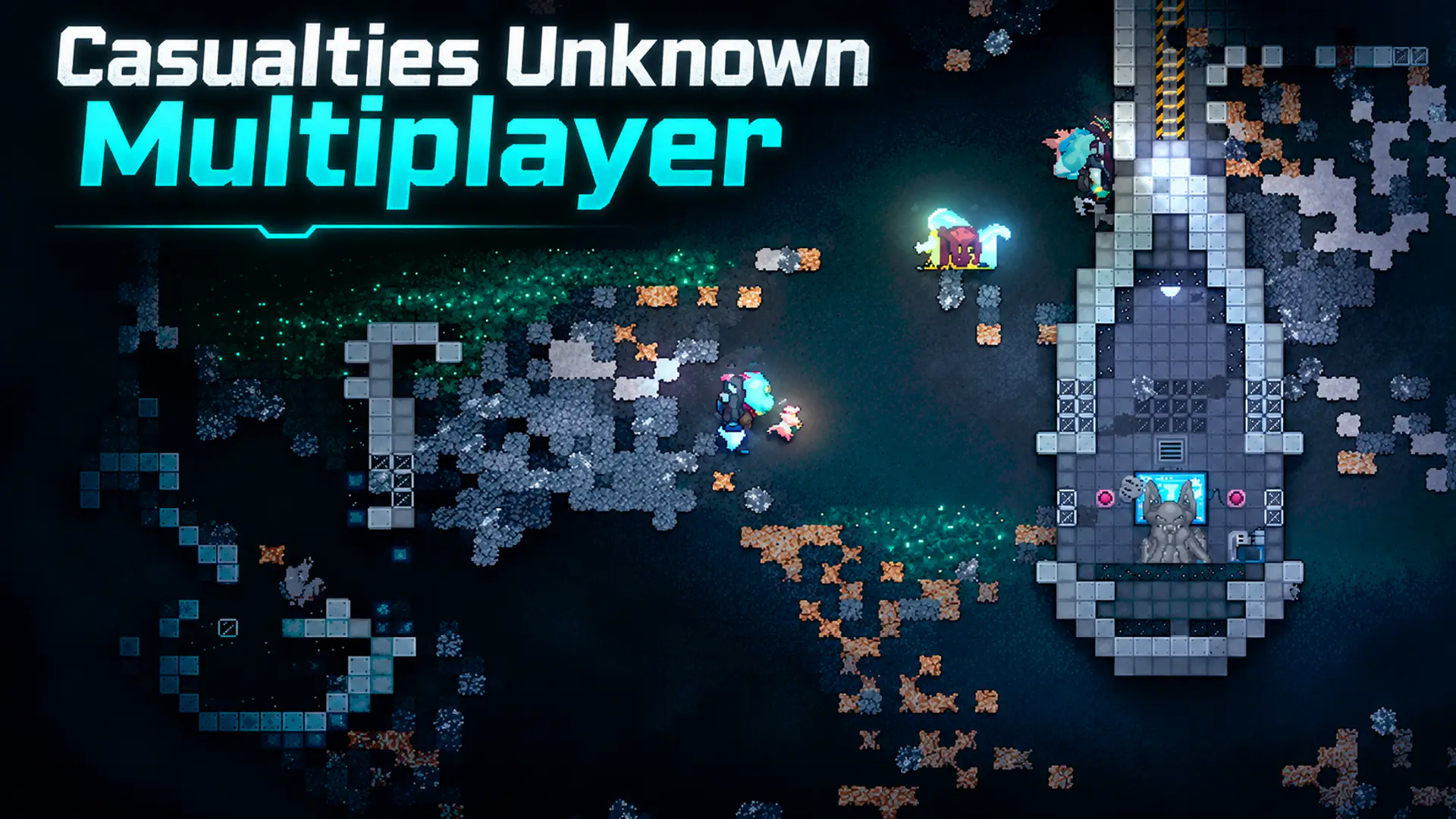


Casualties Unknown multiplayer isn’t an official feature, which is a shame because those deadly caves are exactly where I’d want a friend to share the panic. Fortunately, the Casualties Together mod adds online co-op through Steam lobbies, so you don’t have to face every nightmare alone.
The catch? Casualties Together v5.5.0 supports the full release of Casualties: Unknown, but the mod hasn’t been thoroughly tested yet. The November 10 update improves co-op compatibility and adds character selection, although a few issues remain.
Casualties Together is an unofficial mod, so use it at your own risk. It may affect game stability or cause unexpected issues.
Table of Contents
Does Casualties Unknown Have Multiplayer?
Casualties: Unknown is officially a single-player game, with no built-in multiplayer or online co-op mode.
However, Casualties Together adds an unofficial multiplayer option that lets you explore the caves with friends. It includes Steam lobbies and shared survival mechanics that aren’t available in the original game.
The mod originally supported the demo, but v5.4.0 introduced full-game compatibility on November 9, 2026. Version 5.5.0 followed on November 10 with additional improvements.
Does Casualties Together Work With the Full Game?
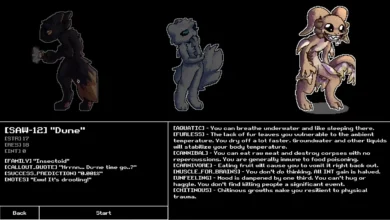
Yes, Casualties Together v5.5.0 supports the full release of Casualties: Unknown. The mod developer has also added character selection and improved synchronization for several gameplay systems. The demo still has a separate v5.4.0 download.
The important part is to choose the right package for your version. Otherwise, you’ll have trouble before you even reach the caves.
Full Game vs. Demo Multiplayer Downloads
| Game Version | Mod version | Required Download |
|---|---|---|
| Full Game v1.0 | v5.5.0 | MPMod_5.5.0_fullgame1.0_bepinex5.4.23.5.zip |
| Demo v7.0.1 | v5.4.0 | MPMod_5.4.0_demo7.0.1_bepinex5.4.23.5.zip |
Download Casualties Together v5.5.0 for the full game or v5.4.0 for the demo. The full game and demo are separate Steam applications, so make sure you choose the correct package.
Known Limitations of the Full-Release Mod
Casualties Together v5.5.0 improves compatibility with the full game, but the developer warns that it hasn’t been thoroughly tested.
| Feature | Current Status |
|---|---|
| Full Game v1.0 | Supported by v5.5.0 |
| Character Selection | Available, including for late joiners |
| Trap Synchronization | Improved in v5.5.0 |
| Endings | Supported in multiplayer |
| Crystalline Hollow Effects | Synchronization can be unreliable |
| Stable Full-Release Co-op | Not thoroughly tested |
Version 5.5.0 adds character selection and improves trap synchronization. It also supports different endings in the same multiplayer run. However, the Crystalline Hollow crystal effects can still behave unpredictably, and the mod hasn’t been thoroughly tested.
How to Install Casualties Unknown Multiplayer Mod
To set up Casualties Unknown multiplayer on the full game, you’ll need Casualties Together v5.5.0 and BepInEx 5.4.23.5.
The process isn’t particularly difficult, but the game directory is where mistakes can happen. Here’s how to install the mod on Windows.
First, download the full-game package from the Casualties Together v5.5.0 release page. You’ll also need BepInEx 5.4.23.5 for Windows x64. If you’re using the demo, download its separate v5.4.0 package instead.
Next, open Steam and right-click Casualties: Unknown in your Library. Select Manage → Browse Local Files to open the game’s installation directory. Look for CasualtiesUnknown.exe to make sure you’re in the correct folder.
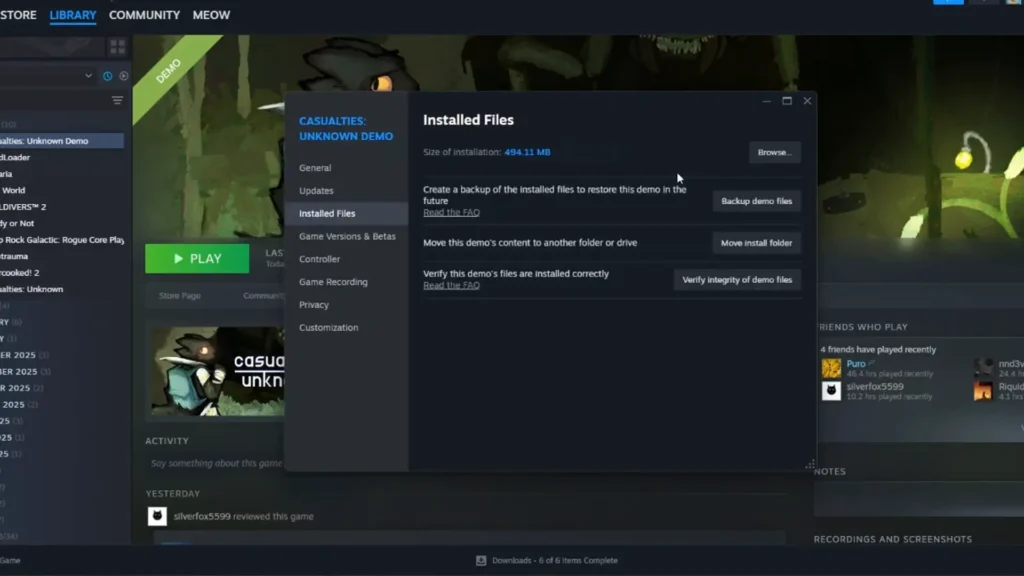
Extract the BepInEx ZIP into that directory. Then open the Casualties Together archive and find the folder named mod.
Copy the contents of the mod folder into the game’s root directory. Don’t copy the outer folder itself. The multiplayer files need to sit in the correct locations for BepInEx to load them.
Now launch Casualties: Unknown through Steam. If the installation succeeds, you should see multiplayer controls in the main menu.
Your friends will need the mod installed too, with the same game edition and a compatible mod version. You can’t host a modded session and expect someone with an unmodified game to join.
How to Host and Join Friends in Casualties Unknown
Casualties Together uses Steam lobbies, which makes it possible to create a private co-op session or join a public one.
How to Create a Multiplayer Lobby
Launch the game through Steam and open the multiplayer mod menu. Select Use Steam, choose your preferred lobby type, and configure the server name before you select Create Lobby.
With v5.5.0, everyone must select a character and press Ready Up before the host can start the run.
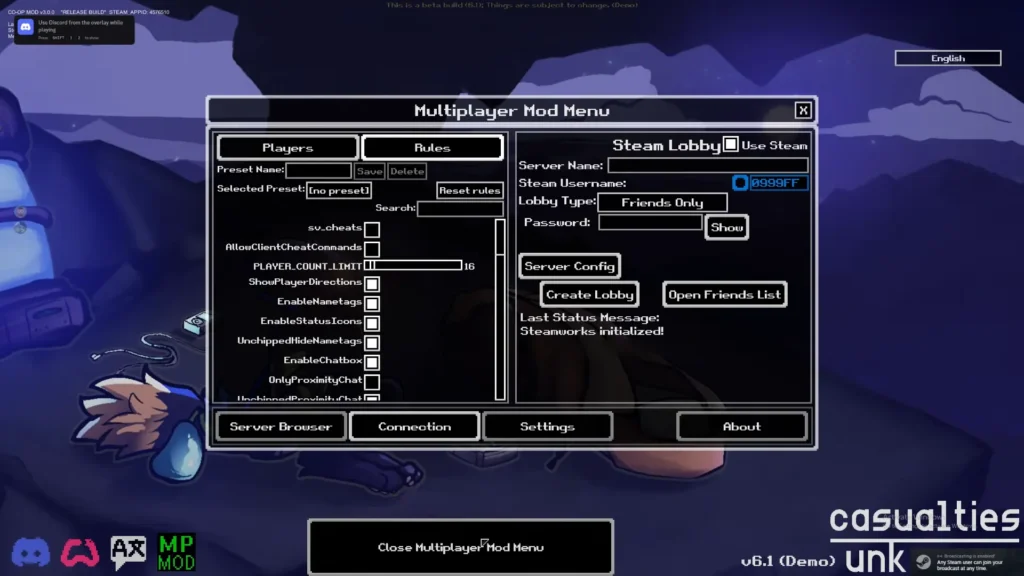
| Lobby Type | Who Can Join? |
|---|---|
| Invite Only | Friends who receive a Steam invitation |
| Friends Only | Your Steam friends |
| Public | Anyone who finds your session in the Server Browser |
You can set a server name and password before you select Create Lobby. For a session with friends, I’d choose Friends Only or Invite Only. There’s no reason to invite the entire internet into your cave expedition unless you actually want that kind of chaos.
How to Join a Friend’s Game
If your friend has created an Invite Only lobby, use their Steam invitation to join the session. For public lobbies, open the Server Browser from the multiplayer menu. Find the appropriate server and select Join.
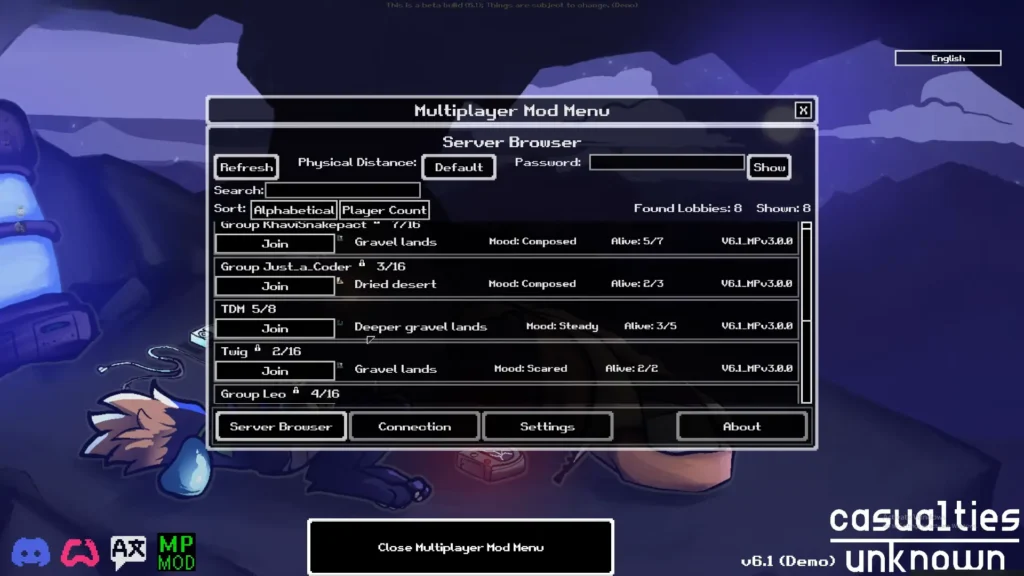
The mod also supports a Steam lobby ID search, which can help you locate a specific session. If you can’t find your friend’s lobby, check its visibility first to make sure it’s not an Invite Only session.
Casualties Together v5.5.0 also lets late joiners choose a character before they enter the session. However, the host’s server rules may still restrict mid-game joining.
Casualties Unknown Multiplayer Not Working: How to Fix It
The multiplayer mod may fail if the installation is incorrect or the game versions don’t match. Version 5.5.0 also has some known limitations, so start with the exact error message before you try a fix.
| Problem | What to Do |
|---|---|
| Multiplayer menu doesn’t appear | Check the BepInEx installation and mod folder |
| Steam not loaded | Launch the game directly through Steam |
| Wrong version! | Check that both PCs use compatible game and mod versions |
| This server requires different set of mods. | Compare the installed mods on both PCs |
| Can’t find a lobby | Check lobby visibility and Server Browser filters |
| Mid-game join is not allowed here. | Join before the host starts the run |
| Crystalline Hollow effects behave incorrectly | This is a known limitation of the full-game port |
The Server Browser has a Worldwide distance option and filters for incompatible or password-protected sessions. If a public lobby doesn’t appear, those settings are worth checking.
How Many Players Can Play Casualties Unknown Multiplayer?
Casualties Together has a default multiplayer limit of 16 players, although the server owner can change that number through the server’s configuration commands.
That sounds like enough people to turn a cave expedition into a small disaster. Just remember that the documented limit doesn’t guarantee stable gameplay with 16 people in the full release. The stability of large co-op sessions on the unfinished v1.0 port hasn’t been verified.
What Can You Do in Casualties Unknown Co-op?
Casualties Together isn’t just about having another character beside you. The mod introduces several cooperative survival mechanics that change how a session can play out.
You can use voice chat to communicate with your teammates, complete with in-game voice effects. The mod also lets you inspect another character’s health and help an injured friend.
One of the more interesting features is shared body temperature. Staying close to another character helps preserve warmth, which gives your team a practical reason not to split up.
The mod also supports carrying teammates and CPR. Dead characters can use spectator mode, while server rules determine how respawns work.
These are established features of Casualties Together, although their functionality in the unfinished full-game port isn’t completely verified.