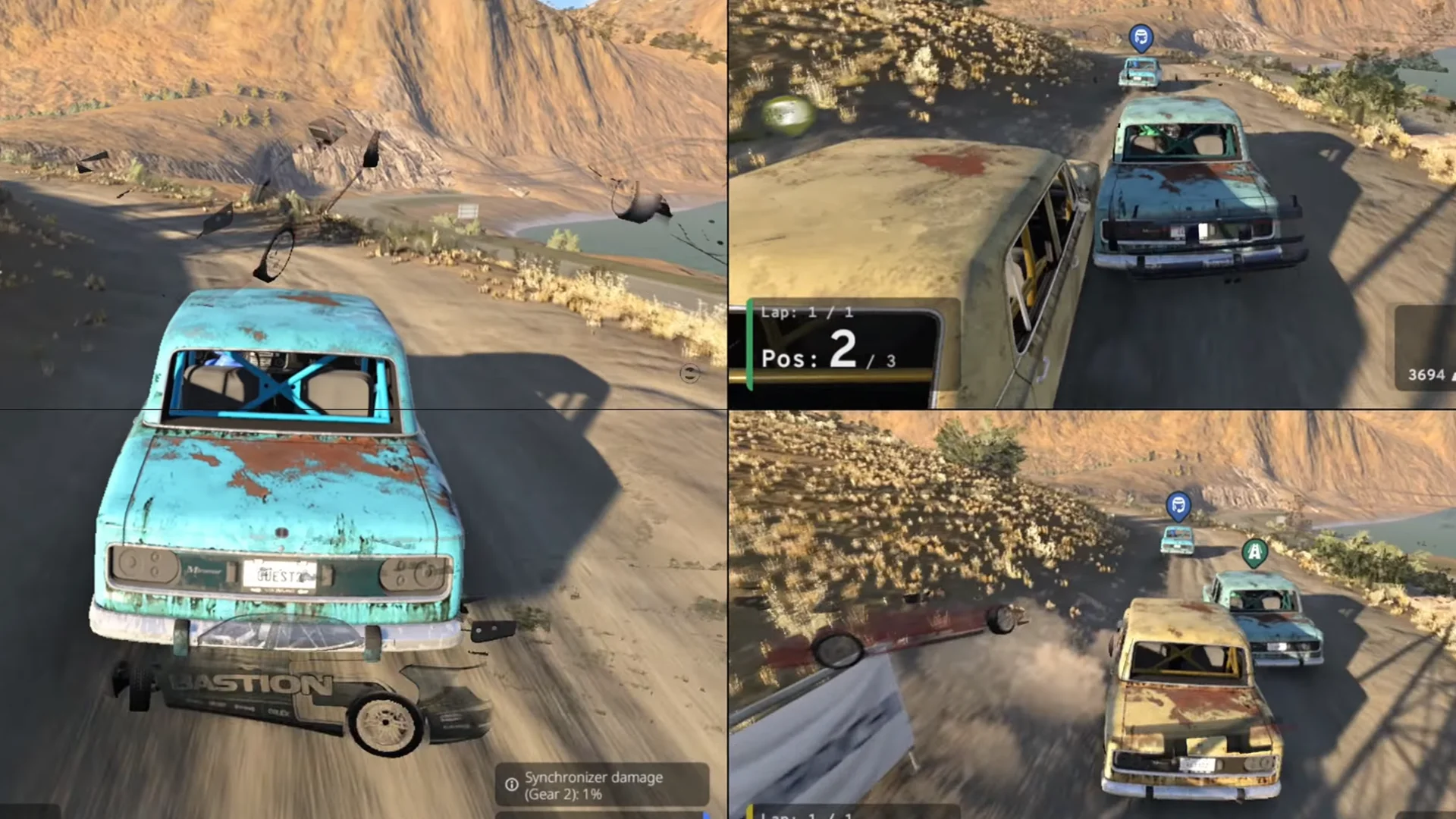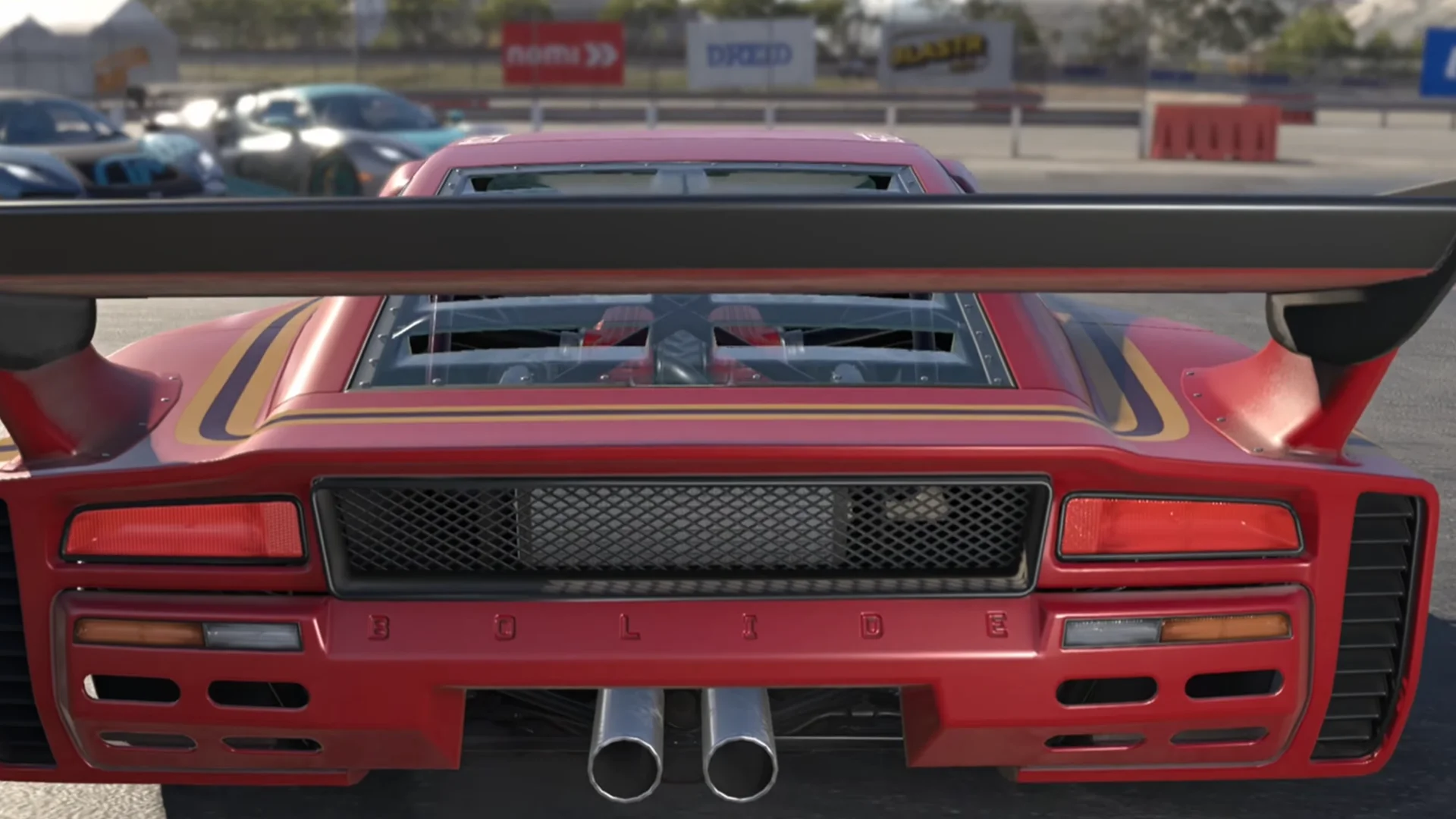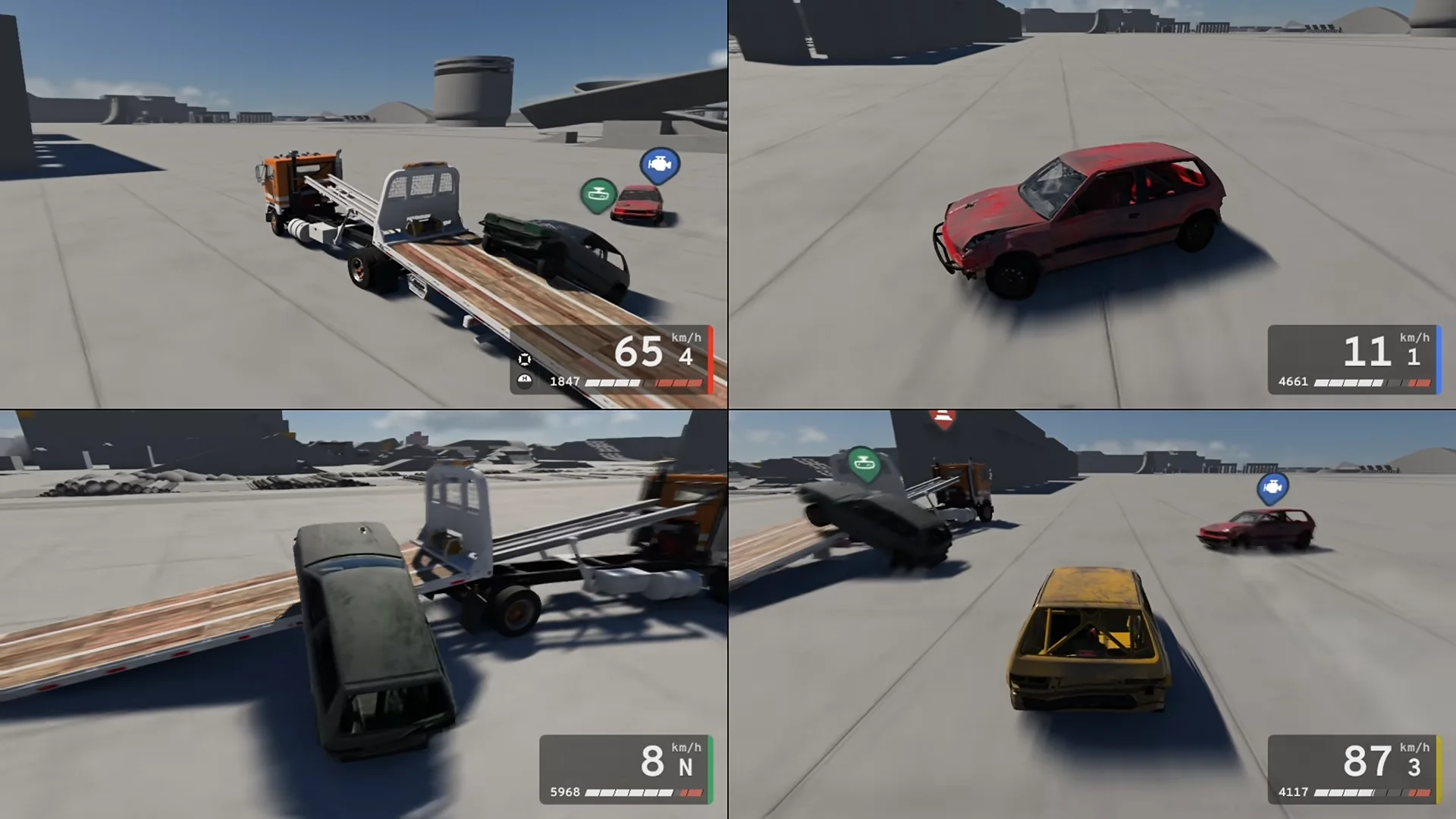


The BeamNG split screen feature is finally here, and you can now turn BeamNG.drive into a local multiplayer playground without messing around with mods.
Added in update 0.40, the new mode lets you share the screen with friends on PC or PS5, whether you’re interested in some friendly racing or just want to see who can cause the most expensive-looking crash. I’ll walk you through setting it up and choosing a game mode so you can get straight to the fun part.
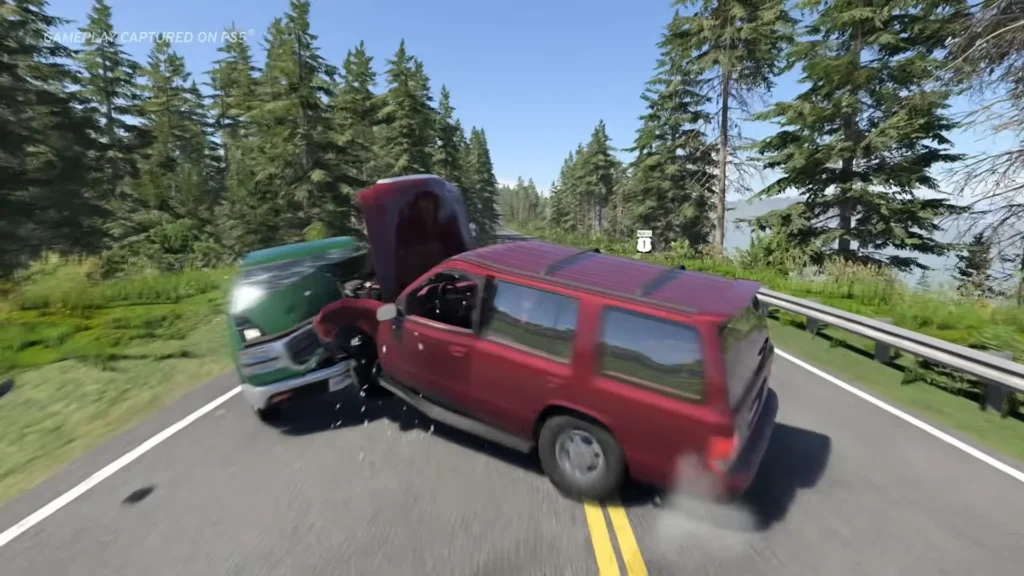
Table of Contents
How to Enable Split Screen in BeamNG.drive
Before doing anything else, make sure BeamNG.drive is updated to version 0.40 or newer. Native split-screen multiplayer was introduced on October 19, 2026, so you won’t find this option in older versions.
From the Main Menu, select Split Screen. Add the people joining your session and assign their input devices. After that, choose Freeroam or one of the available multiplayer game modes to start playing together. If you’re already driving around a map, there’s no need to return to the main menu. Simply open the Pause Menu and select Split-Screen to start a multiplayer session from there.
I’d recommend starting with Freeroam if you’re trying the feature for the first time. Everyone spawns together at a random location with their own vehicle, so you can get used to the controls before challenging each other to a race.
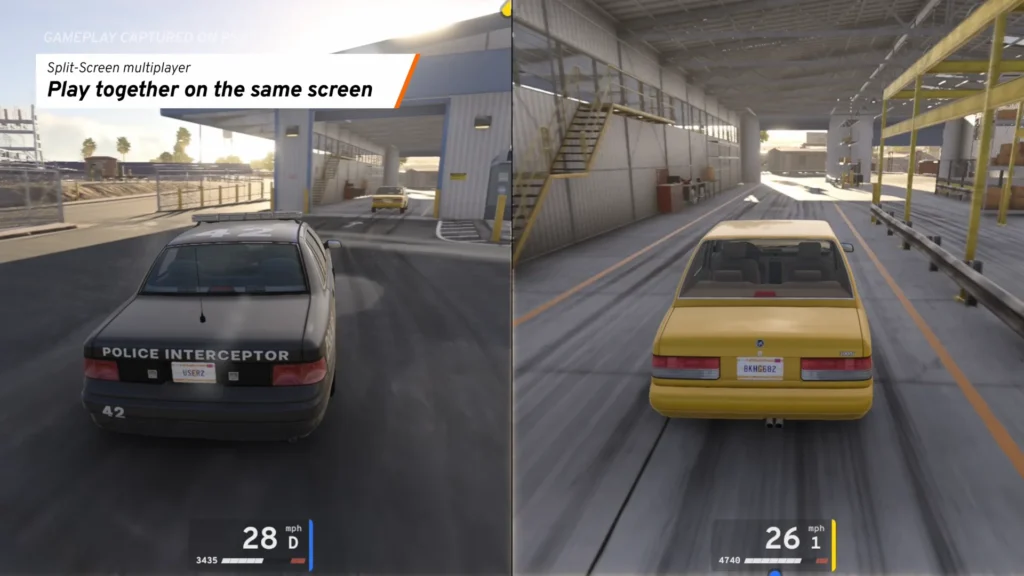
You can also customize your vehicle and change its color. Better yet, the new occupant system lets you get out of your car and hop into your friend’s vehicle as a passenger. Just remember that sitting in the passenger seat doesn’t give you control of the steering wheel.
How to Set Up Controllers for Two Players
On PC, BeamNG.drive lets you assign input devices to individual participants. You can give one person a gamepad while another uses a steering wheel with pedals. Multiple compatible devices can also be assigned to the same person, which is particularly useful if your racing setup has separate pedals.
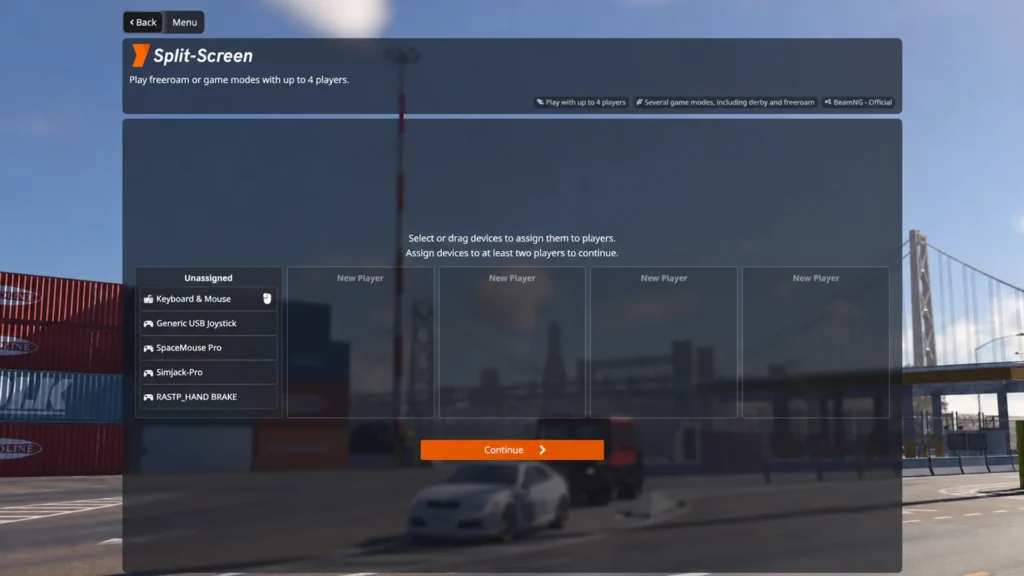
On PS5, controller assignments are handled by the PlayStation operating system instead. On PC, if your controller isn’t responding properly, head to Options and then Controls to check its bindings. Some input devices require additional configuration before they work as expected.
You don’t have to restart the session whenever someone wants to join or leave, either. Open Split-Screen Settings to change the roster while you’re playing. You can also adjust driving assists for each participant or switch between the available screen layouts.
All BeamNG Split-Screen Game Modes
If aimlessly driving around in Freeroam gets boring, there are seven dedicated split-screen game modes to try.
Race is the obvious choice for settling who’s the better driver, with more than 85 supported Time Trial and AI Race track layouts. Drag Race offers a shorter showdown over a quarter mile, while Drift challenges you to earn the highest score before time runs out. For something a little more destructive, Derby turns the session into a demolition contest where the last moving vehicle wins.
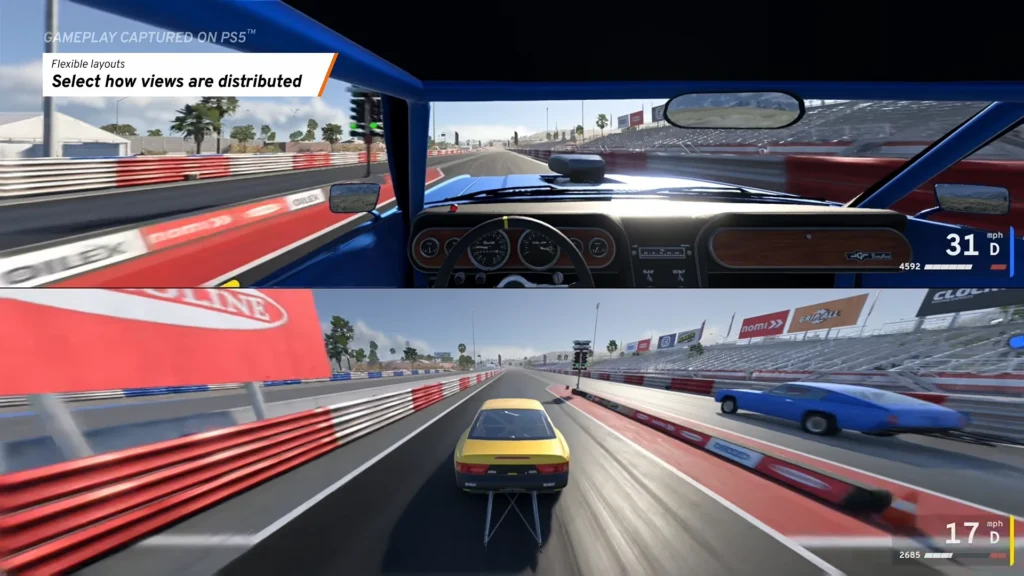
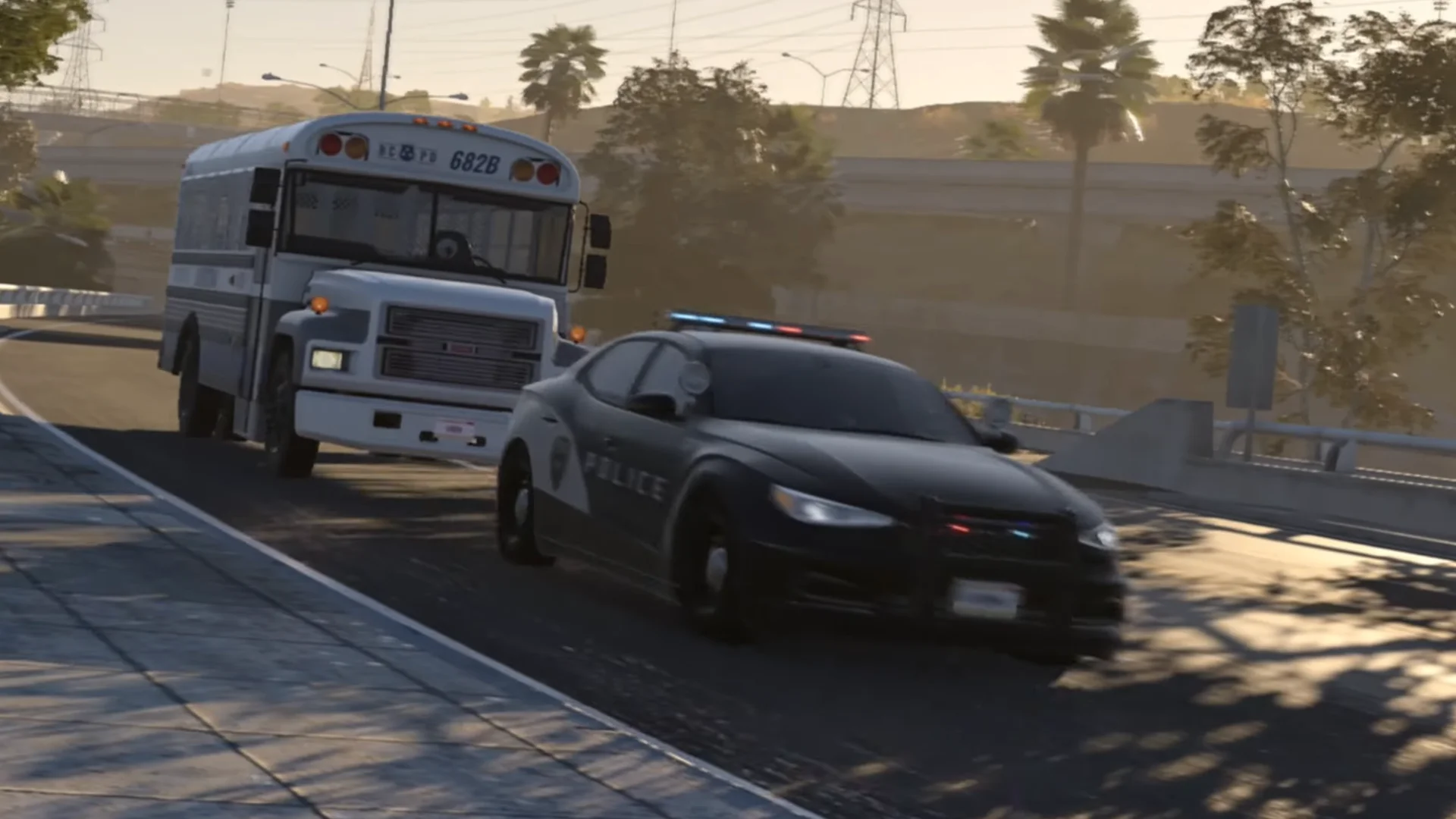
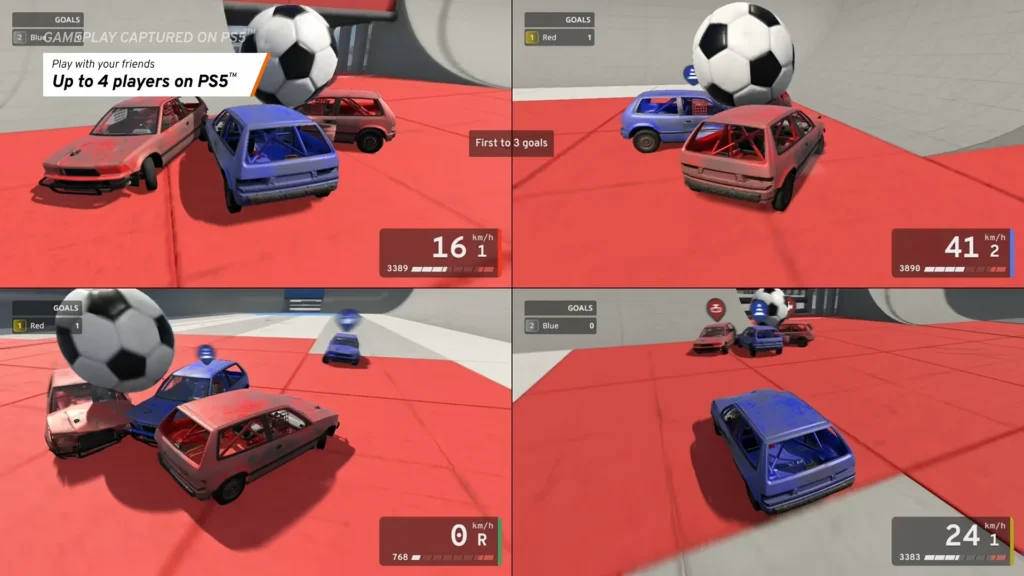
Pursuit lets you chase down a fleeing driver or attempt to escape an arrest, depending on which side you choose. There’s also Rock Crawling, where you tackle challenging trails with optional penalties. If you want something completely different, Soccer turns your vehicles into oversized soccer players trying to push a ball into the opposing goal.
Each mode has customizable settings, so you can adjust the rules to suit the session. Personally, I’d start with Derby. BeamNG.drive’s crash physics are already half the entertainment, and adding a friend who refuses to brake seems like a perfectly reasonable way to enjoy them.
How Many Players Can Play BeamNG Split Screen?
Here’s where things get interesting. BeamNG split screen supports up to 64 people on PC and 4 on PS5. Yes, 64 on PC. Finding that many friends with compatible controllers might be a bigger challenge than surviving a head-on collision.
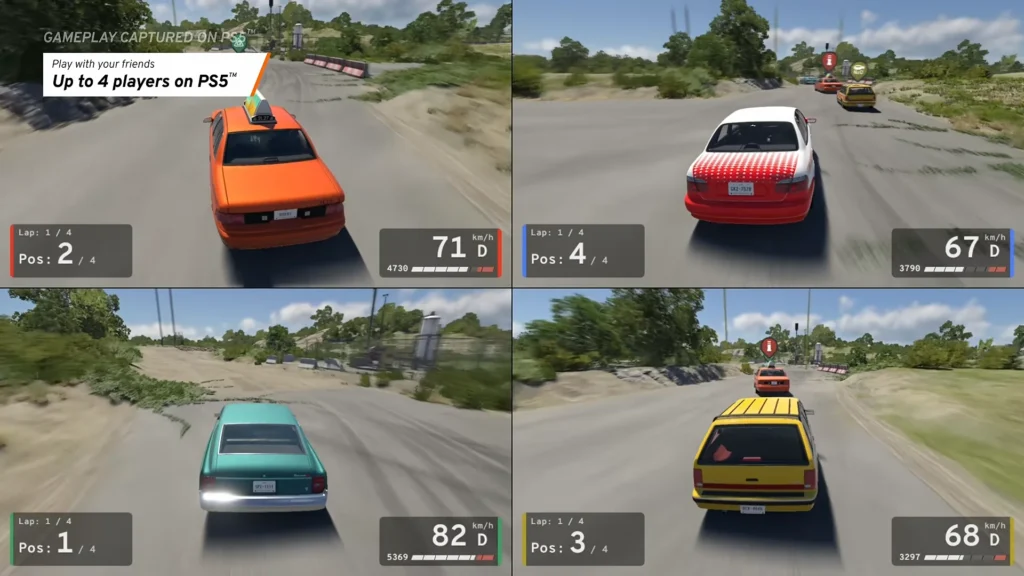
There’s a catch, though. The PC limit depends on your hardware and the number of input devices you have available. More vehicles put additional demands on your system, so don’t expect an ordinary PC to handle dozens of cars without performance problems.
For a typical local multiplayer session, starting with two participants is the more practical option. You can always invite more people to join whenever you’re comfortable with the setup.
BeamNG Split Screen Not Working: What to Check
If the BeamNG split screen option is missing, first check that you’re running version 0.40 or newer. Earlier versions don’t have native split-screen support, so installing the latest update is essential. If the option is there but your second controller isn’t responding, check the device assignments in the split-screen menu. On PC, you can also open Options and then Controls to make sure your controller is recognized and its buttons are properly configured.
Still having trouble? Try launching BeamNG.drive in Safe Mode through the launcher’s Support Tools menu. This starts the game with a temporary user folder and prevents your installed mods and custom settings from interfering. If split screen works in Safe Mode, an outdated mod or something in your regular user folder could be responsible.
Performance is another thing to watch out for. BeamNG.drive displays a warning to remove some vehicles when your frame rate stays below 25 FPS. If your session turns into a slideshow, reducing the number of active cars is a good starting point.
Can You Use BeamNG Split Screen on Two Monitors?
BeamNG.drive doesn’t automatically put each person’s view on a separate monitor. On PC, a multi-monitor configuration may help, though results vary by setup, so playing on one display is the simplest option.
Do You Need Mods to Play BeamNG Split Screen?
No, you don’t need any mods to play BeamNG split screen anymore. Native split-screen multiplayer was added in update 0.40, so you can jump straight into the action with your friends using the game’s built-in feature.