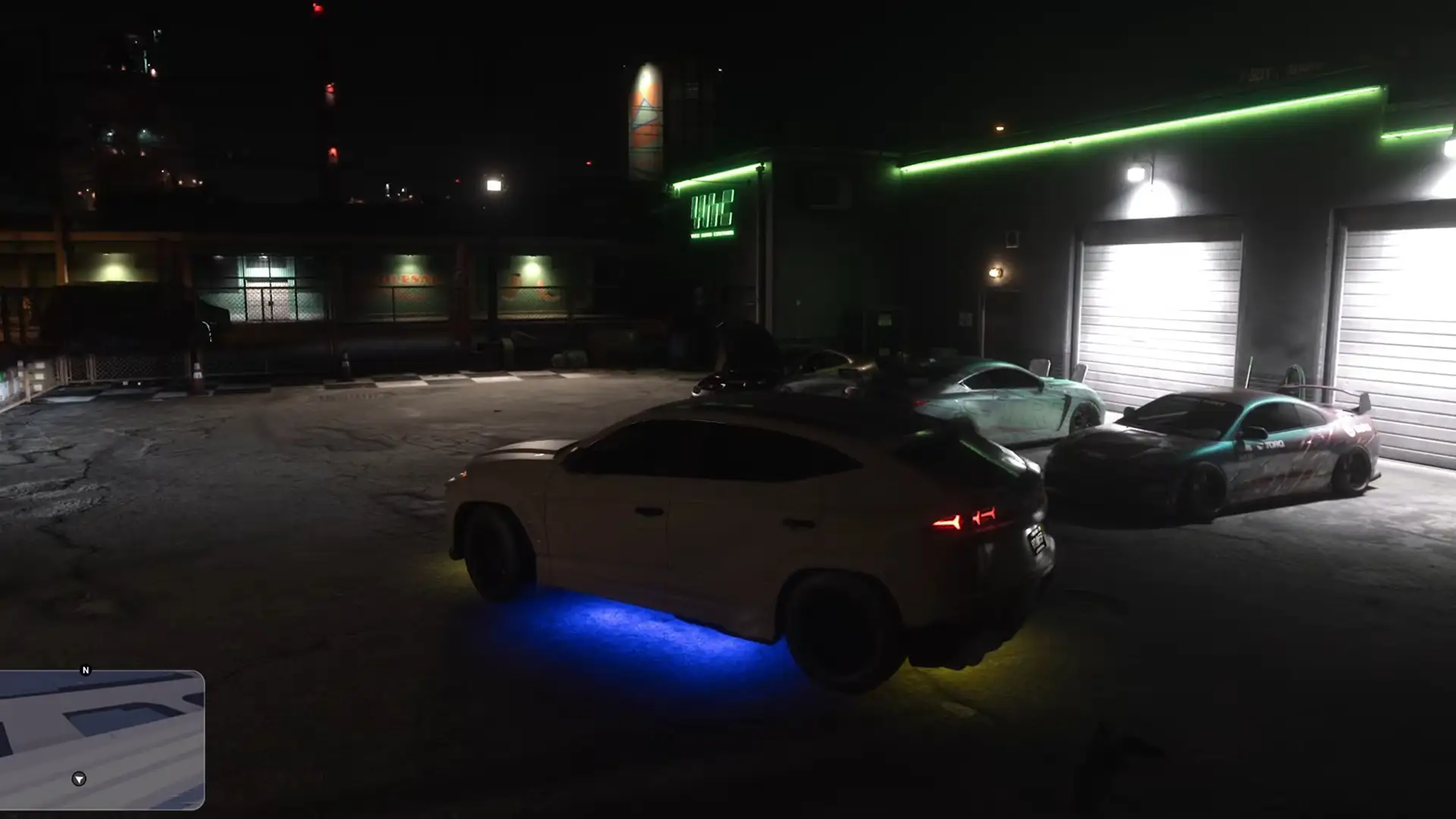


Underglow is one of the cooler vehicle customization options in Vice City, but Rockstar makes you earn the full set. Not every mod shop offers it, and some lighting positions require finishing nine street races. You can still get neon under your car without completing the entire racing activity.
Torin is here with another guide. Read along.
Jump to a Section:
How to Get Underglow Lights in GTA 6
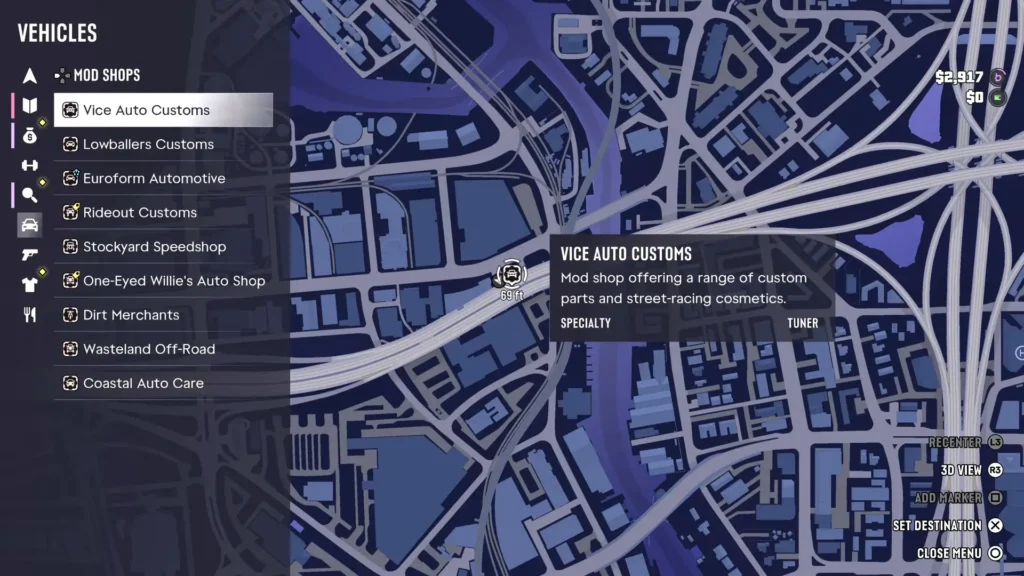
Drive into Vice Auto Customs or Vice Vinyl. Go to Cosmetics > Underglow. You’ll see three positions: Front, Side and Back.
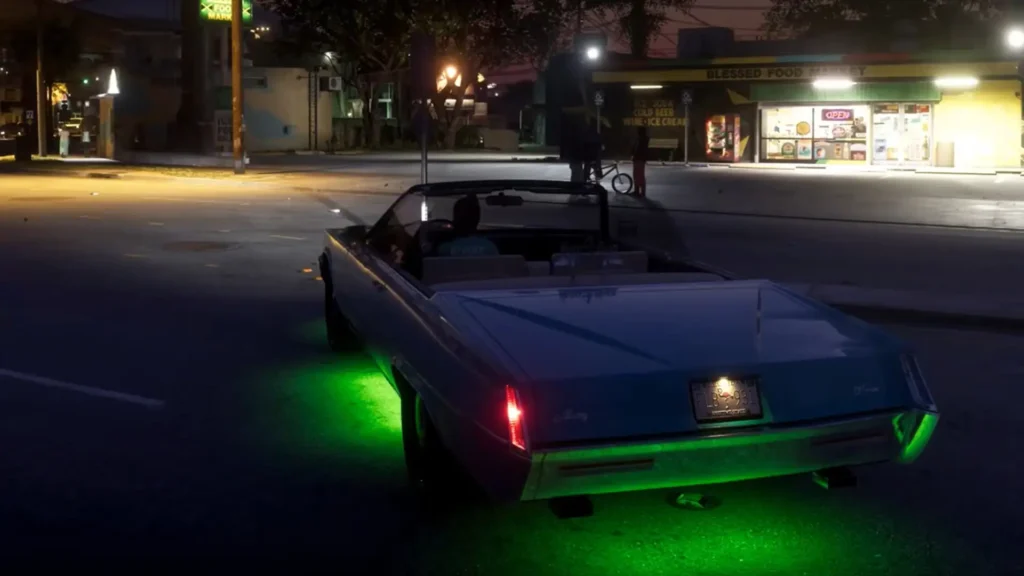
Side lights up the underside of the car and unlocks earlier than the other two. If you just want neon underneath, you don’t need to finish every street race. Full control over the front and rear colors requires the Hit and Run VC races.
How to Unlock All Underglow Options
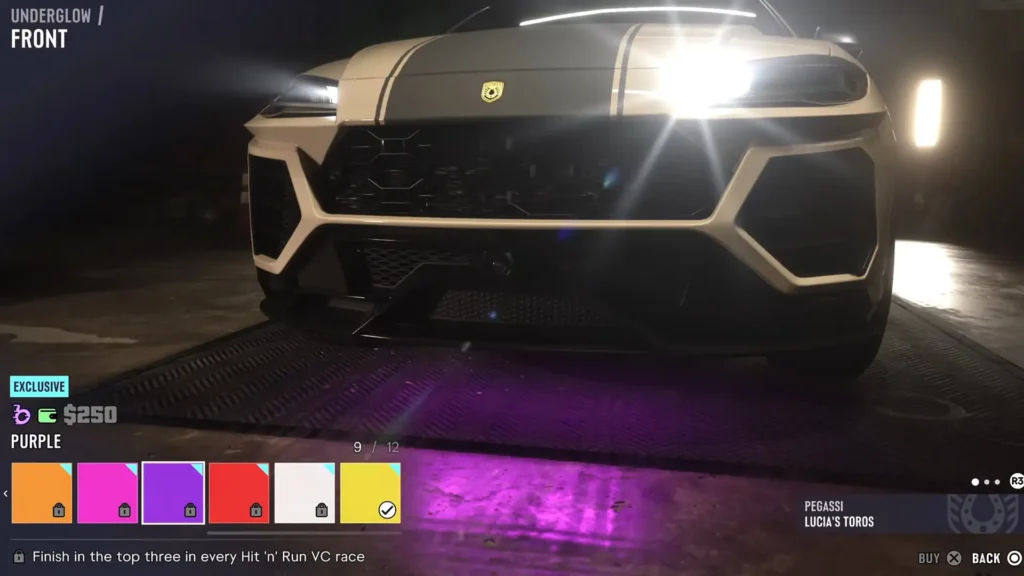
Finish in the top three in every Hit and Run VC street race, nine races across four locations in Vice City.
| Underglow position | Unlock requirement |
| Side | Available before completing all nine races |
| Front | Finish top three in every Hit and Run VC race |
| Back | Complete the remaining street racing requirements |
Second and third place count. You don’t have to win every race.
Find and Complete Hit and Run VC Races
Open the map, go to the Activities category (weight icon) and select Hit and Run VC. There are four locations:
| Racing location | Number of races |
| Salton | 3 |
| La Perle | 2 |
| Ocean Beach | 2 |
| Gloriana Key | 2 |
| Total | 9 |
Talk to the people at each spot to enter a race. After finishing one, you can usually jump straight into the next race in that series without leaving.
Don’t stop after one race per location. Even if you podium at all four spots, Front and Back underglow can stay locked until you’ve done all nine. Crashing isn’t always fatal, opponents can slow down enough for a recovery and a top-three finish.
If Hit and Run VC isn’t on the map yet, progress further in the main story.
Where to Install Underglow
Not every shop offers neon. The two reliable spots are:
- Vice Auto Customs
- Vice Vinyl
Vice Auto Customs is the more specialized option for custom parts and street-racing cosmetics. Stockyard Speed Shop and Rideout Customs did not offer underglow on tested vehicles. Regular repair shops like Pay ’n’ Spray won’t have it either.
How to Turn Underglow On and Off
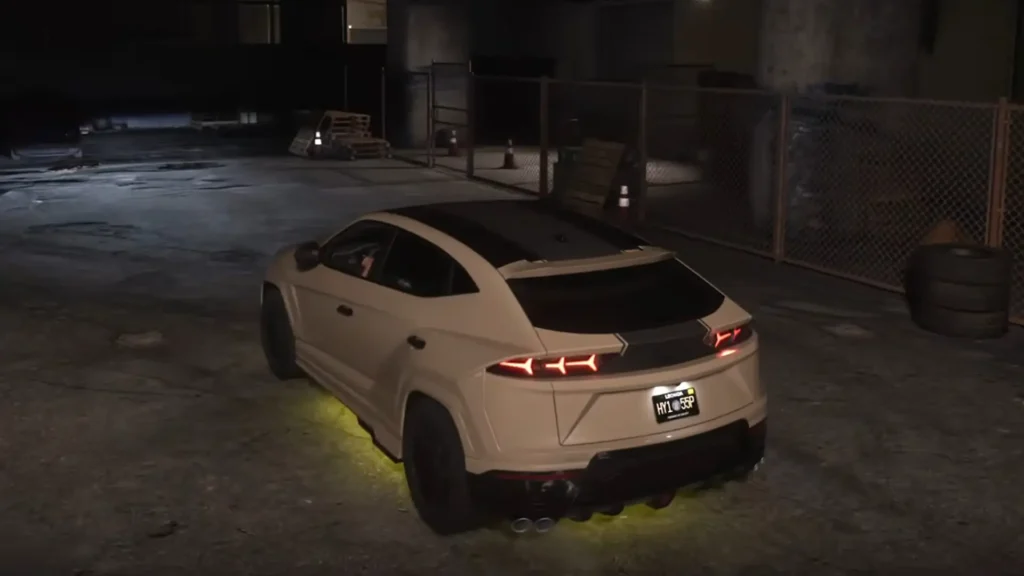
You don’t need a mod shop to toggle the lights. Do it from inside the car through the Vehicle menu:
| Action | PS5 | Xbox Series X/S |
| Open the menu | Hold D-pad Left | Hold D-pad Left |
| Switch to Vehicle tab | Flick right stick up | Flick right stick up |
| Navigate to Underglow | L1 / R1 | LB / RB |
| Turn underglow on or off | X | A |
This works on any vehicle that already has underglow. If you steal a car with neon you don’t like, just switch it off for free instead of paying to change or remove it.
Why Is Underglow Not Showing?
There’s one more of those useful Tpose tables below:
| Problem | Solution |
| Underglow missing from Cosmetics | Visit Vice Auto Customs or Vice Vinyl |
| Front and Back locked | Finish top three in all nine Hit and Run VC races |
| Still locked after four races | Complete the remaining races in each series |
| Hit and Run VC races missing | Progress further in the main story |
| Installed but not lit | Turn it on in the Vehicle menu |
| Radio menu opens instead | Flick the right stick up to reach the Vehicle tab |
If the option is still missing at Vice Auto Customs, try a different vehicle.
Can You Get Underglow Early?
Yes. Some cars already have underglow installed before you unlock the customization yourself. You can toggle those lights on or off through the Vehicle menu without doing the races. To customize the locked Front and Back positions yourself, you’ll still need to progress the story and complete the race requirements.